> ## Documentation Index
> Fetch the complete documentation index at: https://help.ples.com/llms.txt
> Use this file to discover all available pages before exploring further.
# How to invite teammates
> Invite an editor or viewer by email from Team. Plan user limits and a maximum of 5 pending invitations apply.
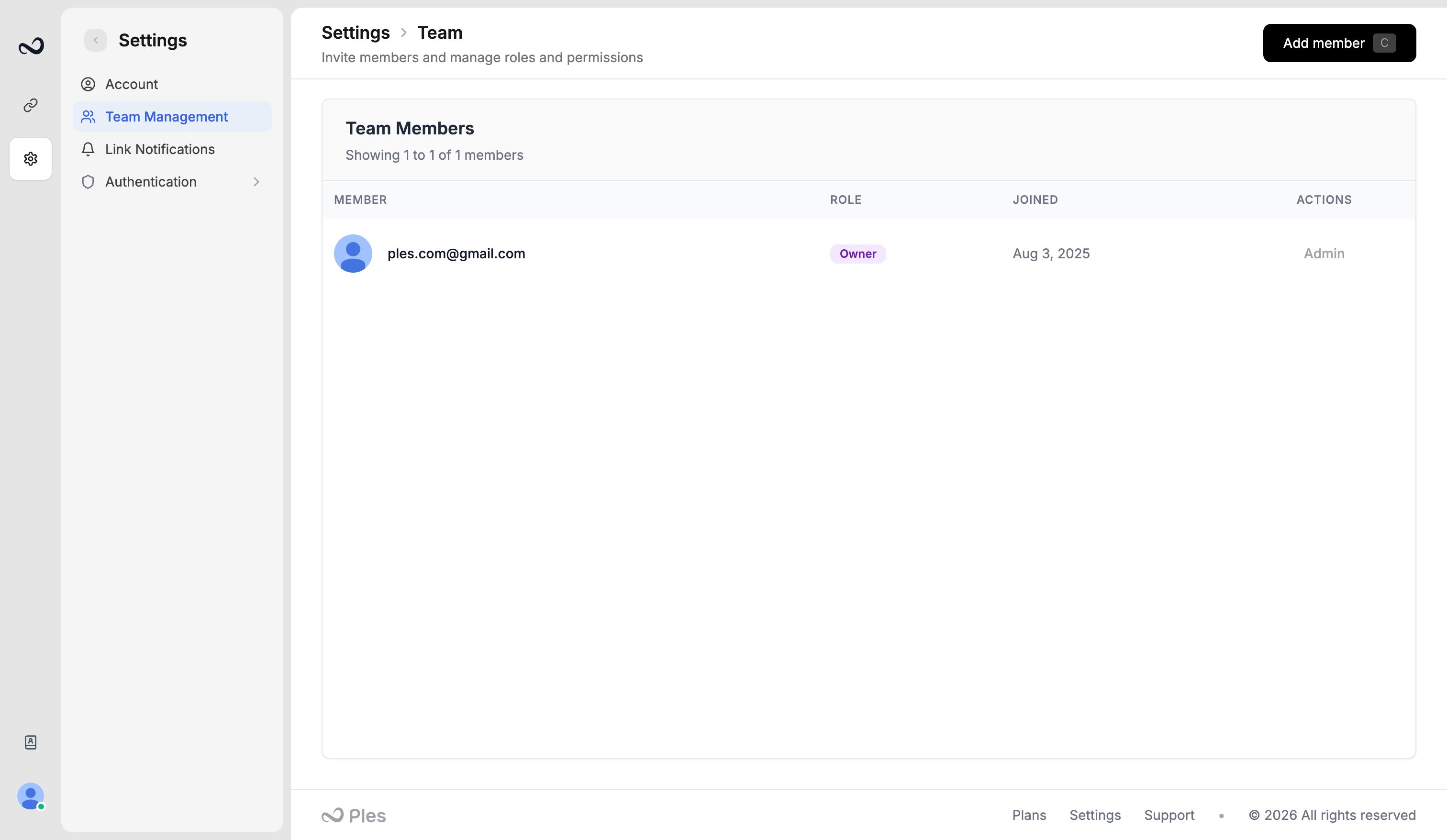
Owners and admins invite teammates from **Team**. The invitee gets an email and joins with the role you chose.
 ## Limits
* **Members** cannot exceed your plan’s users cap (see [Plan limits](/article/plan-limits)).
* You can have at most **5 pending invitations**. Wait for one to be accepted, expired, or revoked before sending another.
## Steps
Go to [app.ples.com/settings/team-management](https://app.ples.com/settings/team-management). Only the owner or an admin can open this page.
Enter the person’s email.
**Editor** can get view and edit on the menus you check. **Viewer** gets view only. Set per-menu access for Domains, Links Table, Tags, Disavow, Reports, Contacts, Billing, and Notifications.
Complete the check if Ples shows Cloudflare Turnstile, then send. They open the invite link, set a password, and [sign in](/article/sign-in). Invited users skip email confirmation.
You can resend or revoke a pending invite from the same page. Removing a member frees a user slot; it does not delete the owner’s domains or links.
If **Add member** is disabled with “Limit reached”, you already have 5 pending invites or you are at the plan’s user cap.
## What's next?
Owner, Admin, Editor, and Viewer roles, plus per-menu view and edit.
How teams, roles, plans, and invoices fit together.
What to do when Ples blocks a new domain, link, teammate, or AI analysis.
Find mail from [info@e.ples.com](mailto:info@e.ples.com) and check spam for confirmation, OTP, and alerts.
## Limits
* **Members** cannot exceed your plan’s users cap (see [Plan limits](/article/plan-limits)).
* You can have at most **5 pending invitations**. Wait for one to be accepted, expired, or revoked before sending another.
## Steps
Go to [app.ples.com/settings/team-management](https://app.ples.com/settings/team-management). Only the owner or an admin can open this page.
Enter the person’s email.
**Editor** can get view and edit on the menus you check. **Viewer** gets view only. Set per-menu access for Domains, Links Table, Tags, Disavow, Reports, Contacts, Billing, and Notifications.
Complete the check if Ples shows Cloudflare Turnstile, then send. They open the invite link, set a password, and [sign in](/article/sign-in). Invited users skip email confirmation.
You can resend or revoke a pending invite from the same page. Removing a member frees a user slot; it does not delete the owner’s domains or links.
If **Add member** is disabled with “Limit reached”, you already have 5 pending invites or you are at the plan’s user cap.
## What's next?
Owner, Admin, Editor, and Viewer roles, plus per-menu view and edit.
How teams, roles, plans, and invoices fit together.
What to do when Ples blocks a new domain, link, teammate, or AI analysis.
Find mail from [info@e.ples.com](mailto:info@e.ples.com) and check spam for confirmation, OTP, and alerts.