> ## Documentation Index
> Fetch the complete documentation index at: https://help.ples.com/llms.txt
> Use this file to discover all available pages before exploring further.
# Landings
> The Landings page groups live monitored links by the target URL on your site. Click a row to open those links.
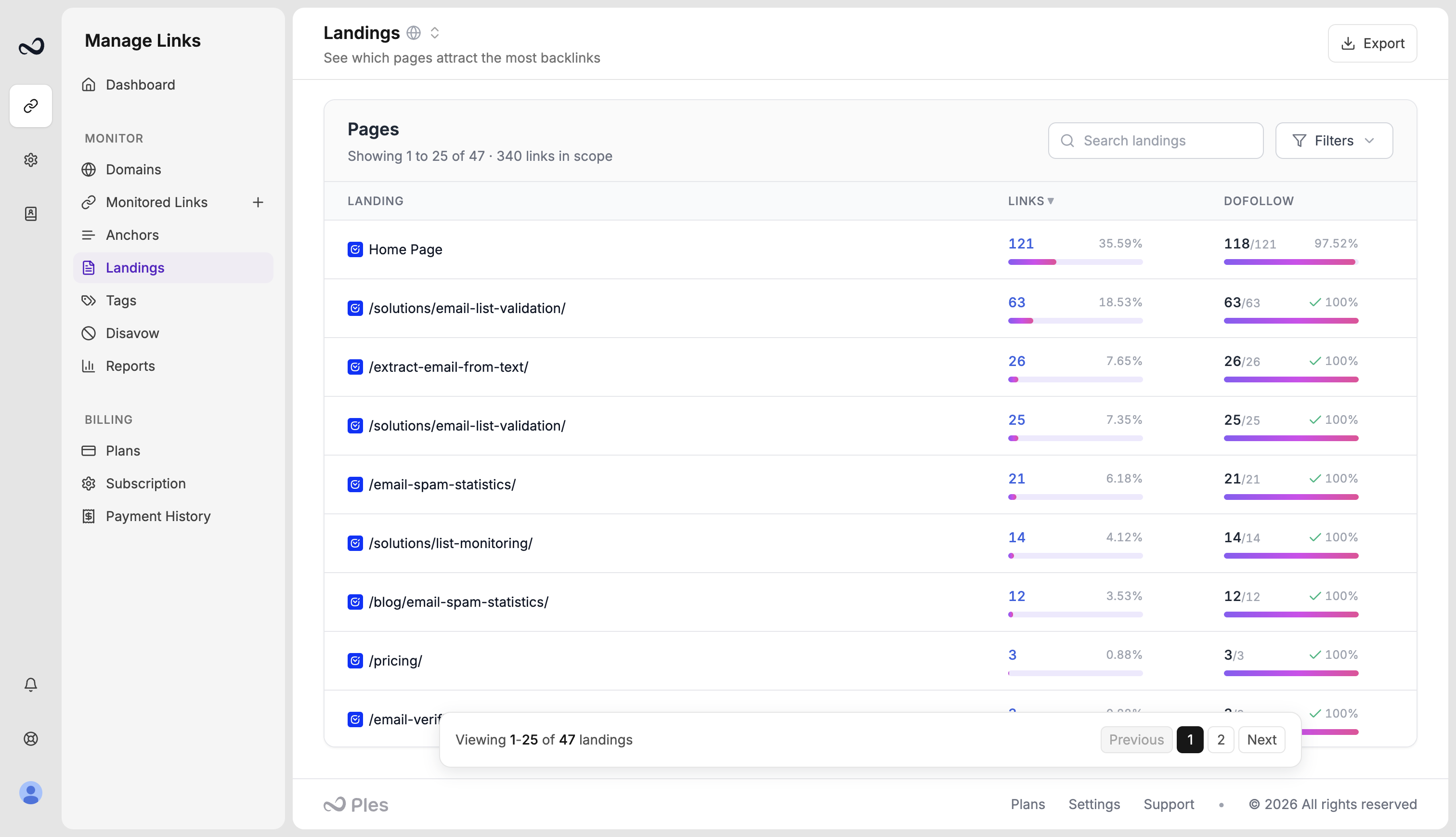
The Landings page (`/landings`) groups **live** monitored links (dofollow and nofollow) by the **target URL** on your site. Use it to see which pages on a property attract the most backlinks.
## How to read Landings
In the Monitor sidebar, open **Landings** (`/landings`). You need **Monitored Links** view permission.
Filter by domain, search a URL or path, or sort by landing name, link count, or dofollow count. Default sort is most links first.
Click a landing’s link count to open **Monitored Links** filtered to that target. Domain filters carry over.
When rows exist, use **Export** in the header to download the landing list.
Empty state **No landings yet** means you have no live (dofollow or nofollow) links yet. Add URLs from [Add backlinks](/article/add-backlinks) or [Backlink Finder](/article/backlink-finder).
## What's next?
Group live links by the anchor text on the linking page.
Read URL, status, anchor, GI, DR, DA, LQS, last checked, and more.
Add up to 150 backlink URLs per submission after you choose a domain.
Review new backlinks Ples found, then add, ignore, or disavow them.
This documentation is built and hosted on [Mintlify](https://mintlify.com), a developer documentation platform.