> ## Documentation Index
> Fetch the complete documentation index at: https://help.ples.com/llms.txt
> Use this file to discover all available pages before exploring further.
# Why does my link show an error?
> Error means Ples could not complete the check. Retries run automatically; use Issues to inspect the URL.
**Error** means the last check did not finish cleanly — Ples could not confirm dofollow, nofollow, or not found.
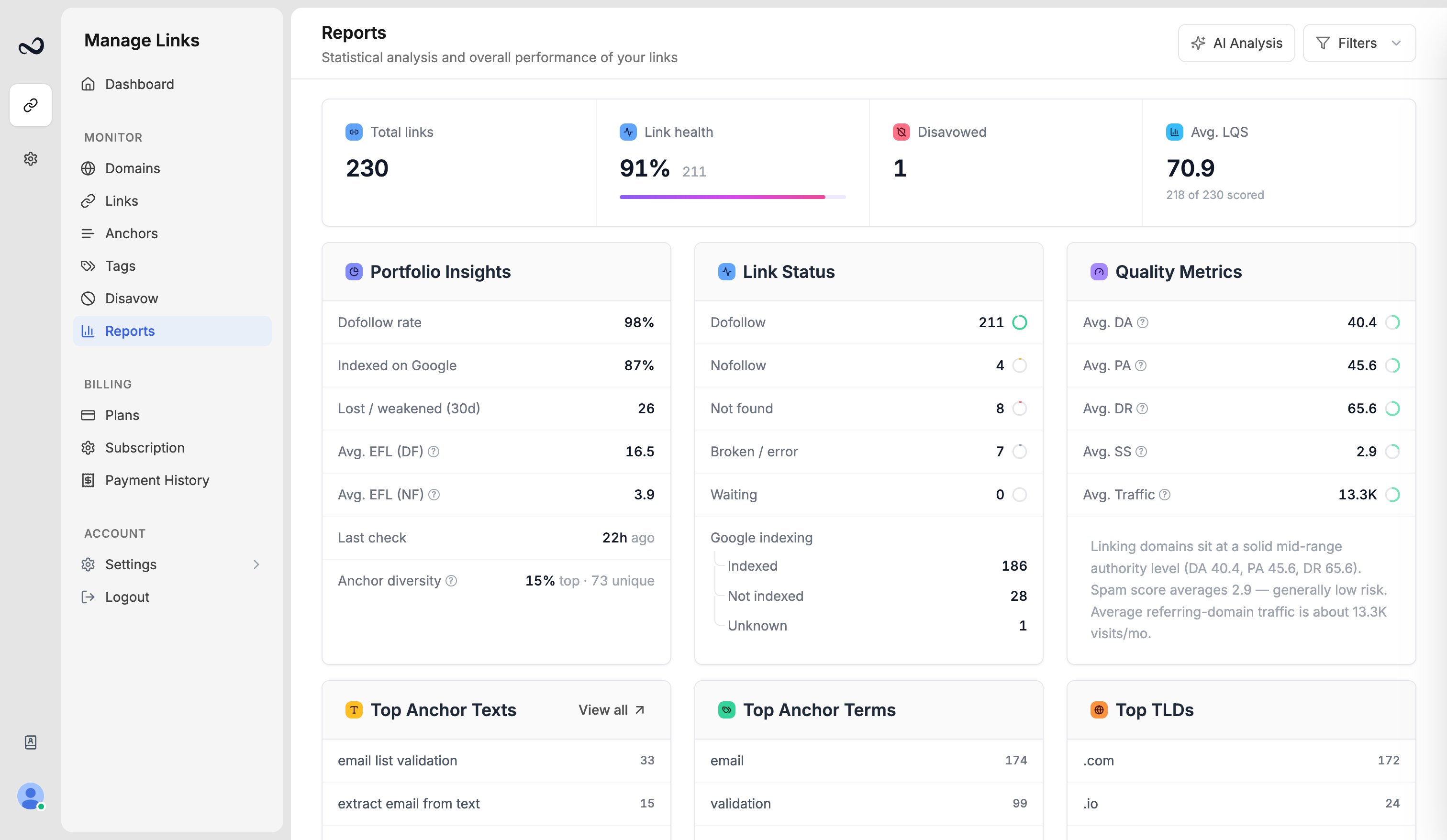 Typical causes include the page timing out, the host blocking the checker, or a temporary network or SSL problem. Ples retries failed checks automatically. Many errors clear on the next successful run (about every 24 hours).
## What to do
From [Links](/article/links-table) or [Link issues](/article/link-issues), open the row and confirm the URL loads in your browser.
Correct a typo, update a redirected URL, or replace a page that is down. Save the change on the link if you edited the URL.
Do not expect an instant recrawl. If the page is healthy, the next cycle should move the status off Error.
A persistent Error is not the same as **Not found**. Not found means Ples loaded the page and did not find your link. Error means the check itself failed.
If the URL works for you but stays Error after several daily checks, [contact support](https://ples.com/contact) with the URL and the date you added it (for example July 15, 2025).
## What's next?
Dofollow, nofollow, not found, error, and waiting. Checks run about every 24 hours.
Review error, not found, and nofollow links on the Issues page.
New backlinks stay Waiting until Ples finishes the first check.
Open a link for status, metrics, target URL, last check, and the visualizer.
Typical causes include the page timing out, the host blocking the checker, or a temporary network or SSL problem. Ples retries failed checks automatically. Many errors clear on the next successful run (about every 24 hours).
## What to do
From [Links](/article/links-table) or [Link issues](/article/link-issues), open the row and confirm the URL loads in your browser.
Correct a typo, update a redirected URL, or replace a page that is down. Save the change on the link if you edited the URL.
Do not expect an instant recrawl. If the page is healthy, the next cycle should move the status off Error.
A persistent Error is not the same as **Not found**. Not found means Ples loaded the page and did not find your link. Error means the check itself failed.
If the URL works for you but stays Error after several daily checks, [contact support](https://ples.com/contact) with the URL and the date you added it (for example July 15, 2025).
## What's next?
Dofollow, nofollow, not found, error, and waiting. Checks run about every 24 hours.
Review error, not found, and nofollow links on the Issues page.
New backlinks stay Waiting until Ples finishes the first check.
Open a link for status, metrics, target URL, last check, and the visualizer.