> ## Documentation Index
> Fetch the complete documentation index at: https://help.ples.com/llms.txt
> Use this file to discover all available pages before exploring further.
# Why is my link still waiting?
> New backlinks stay Waiting until Ples finishes the first check. Checks run about every 24 hours.
**Waiting** means Ples has not finished the first status check yet. That is normal for new rows.
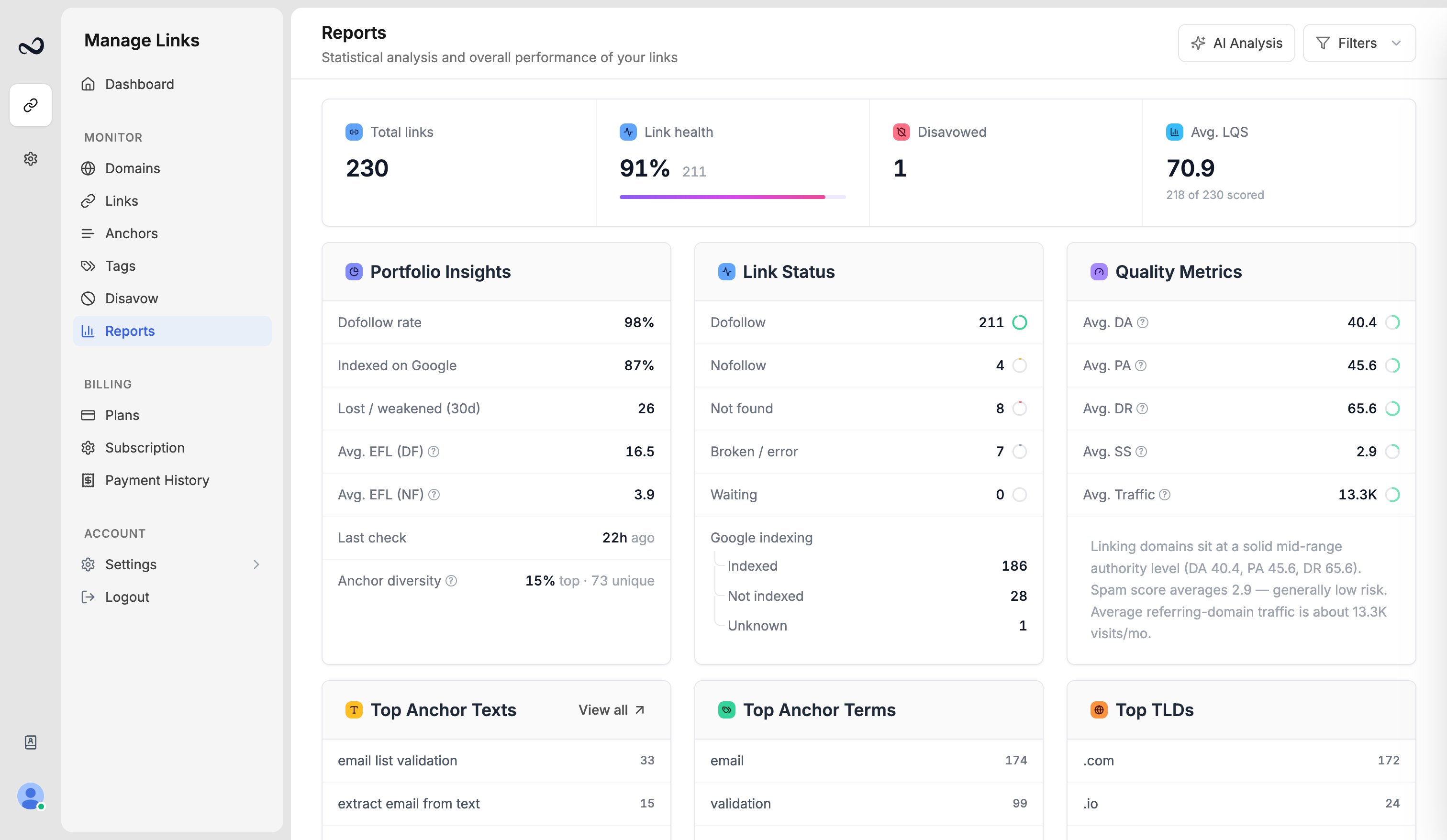 Ples checks links about every **24 hours**. Until that first run completes, the row has no dofollow, nofollow, not found, or error status, and LQS may be blank.
## What to do
Open [Links](/article/links-table) and find the row. If it is missing, add it again from [Add backlinks](/article/add-backlinks).
Hover the Waiting badge if you need a rough age (for example less than an hour, or several hours). Do not expect an immediate recrawl.
Expired trials and plans do not run new checks. See [What happens when your plan expires](/article/plan-expiry).
Filters and Reports include Waiting as its own status. After the first check, the row moves to [Dofollow, Nofollow, Not found, or Error](/article/link-statuses).
If the row stays Waiting for more than a couple of daily cycles, [contact support](https://ples.com/contact).
## What's next?
Dofollow, nofollow, not found, error, and waiting. Checks run about every 24 hours.
Add up to 150 backlink URLs per submission after you choose a domain.
Error means Ples could not complete the check. Retries run automatically.
How Ples checks backlinks every 24 hours and where to review status and issues.
Ples checks links about every **24 hours**. Until that first run completes, the row has no dofollow, nofollow, not found, or error status, and LQS may be blank.
## What to do
Open [Links](/article/links-table) and find the row. If it is missing, add it again from [Add backlinks](/article/add-backlinks).
Hover the Waiting badge if you need a rough age (for example less than an hour, or several hours). Do not expect an immediate recrawl.
Expired trials and plans do not run new checks. See [What happens when your plan expires](/article/plan-expiry).
Filters and Reports include Waiting as its own status. After the first check, the row moves to [Dofollow, Nofollow, Not found, or Error](/article/link-statuses).
If the row stays Waiting for more than a couple of daily cycles, [contact support](https://ples.com/contact).
## What's next?
Dofollow, nofollow, not found, error, and waiting. Checks run about every 24 hours.
Add up to 150 backlink URLs per submission after you choose a domain.
Error means Ples could not complete the check. Retries run automatically.
How Ples checks backlinks every 24 hours and where to review status and issues.