> ## Documentation Index
> Fetch the complete documentation index at: https://help.ples.com/llms.txt
> Use this file to discover all available pages before exploring further.
# What happens when your plan expires
> After a plan or trial ends, Ples keeps your data for 60 days, then deletes it. Renew during the grace period to keep history.
When a trial or paid plan ends, monitoring stops. Ples does not delete your domains, links, and reports immediately.
 ## 60-day grace period
Your data stays available for **60 days** after expiry. During that window you can open the account, read existing data, and [choose a plan](/article/plans-and-pricing) to restore monitoring.
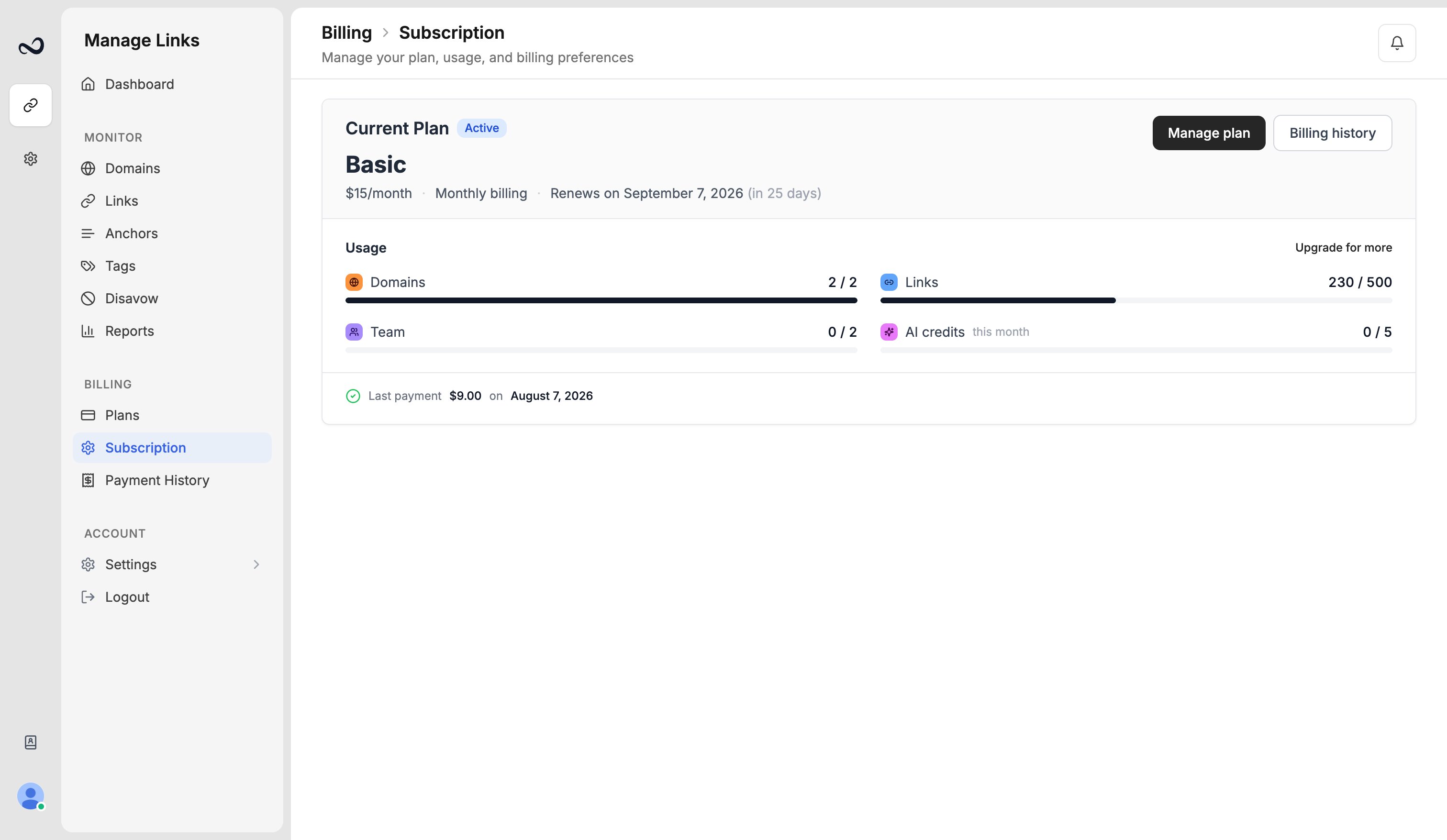
Ples emails reminders to the account email from `info@e.ples.com`. Check [Subscription](/article/subscription-and-renewal) for the scheduled deletion date, such as July 15, 2025.
## After 60 days
If you do not renew, Ples **permanently deletes** the account’s business data (domains, links, reports, and related records). That cannot be undone.
Renew before the grace period ends if you need the history. Deletion is permanent.
## Steps to keep your data
Go to [app.ples.com/plans](https://app.ples.com/plans) while you are still in the 60-day window.
Domain, link, and user counts must fit the new caps. See [Plan limits](/article/plan-limits).
After a successful charge, the plan is active again and daily checks resume.
## What's next?
Basic, Pro, Business, and Enterprise prices, including yearly billing.
See your plan, renewal date, billing period, and reminder preferences.
Upgrades apply with proration. Downgrades wait until the period ends.
View charges and download invoices from payment history.
## 60-day grace period
Your data stays available for **60 days** after expiry. During that window you can open the account, read existing data, and [choose a plan](/article/plans-and-pricing) to restore monitoring.
Ples emails reminders to the account email from `info@e.ples.com`. Check [Subscription](/article/subscription-and-renewal) for the scheduled deletion date, such as July 15, 2025.
## After 60 days
If you do not renew, Ples **permanently deletes** the account’s business data (domains, links, reports, and related records). That cannot be undone.
Renew before the grace period ends if you need the history. Deletion is permanent.
## Steps to keep your data
Go to [app.ples.com/plans](https://app.ples.com/plans) while you are still in the 60-day window.
Domain, link, and user counts must fit the new caps. See [Plan limits](/article/plan-limits).
After a successful charge, the plan is active again and daily checks resume.
## What's next?
Basic, Pro, Business, and Enterprise prices, including yearly billing.
See your plan, renewal date, billing period, and reminder preferences.
Upgrades apply with proration. Downgrades wait until the period ends.
View charges and download invoices from payment history.