

Metrics
These values feed LQS. Without DA or DR, LQS stays empty.
How to view them
1
On a link
Open
/links. DR, DA, and SS are columns. Open link details for DA, PA, DR, and spam score together.2
On a domain
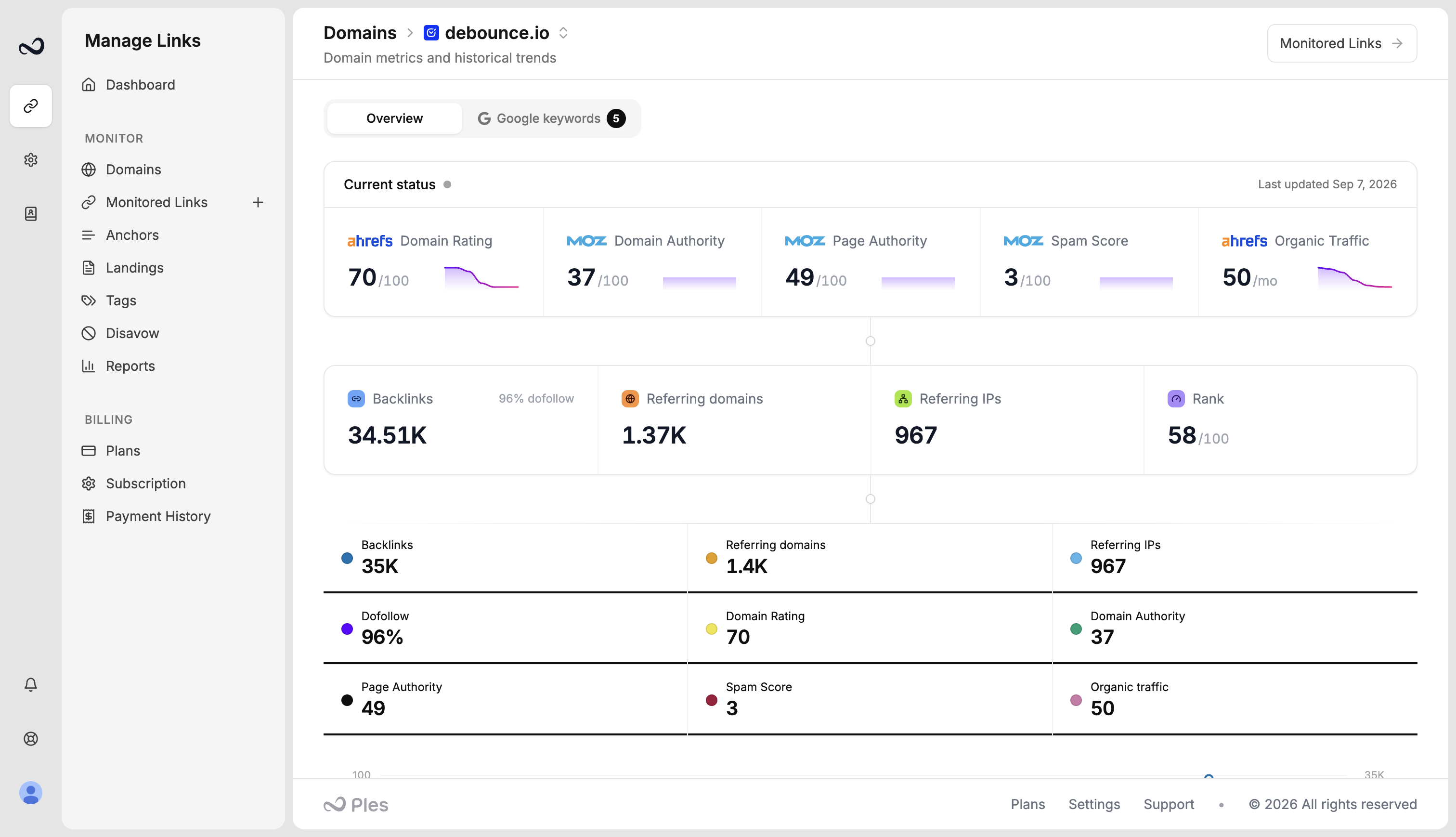
Filter Links to one domain and click Domain Analytics (
/domain-analytics?id=). You get current DR, DA, and PA plus 12-month charts.Domain analytics also shows spam score and estimated organic traffic on the current-status row.
What’s next?
What is LQS?
LQS is a 0–100 score from DA, DR, PA, spam, traffic, and EFL.
Domain analytics
Open 12-month DR, DA, and PA charts for a monitored domain.
What is EFL?
EFL is the external dofollow link count on the linking page.
Monitored Links
Read URL, status, anchor, GI, DR, DA, LQS, last checked, and more.