

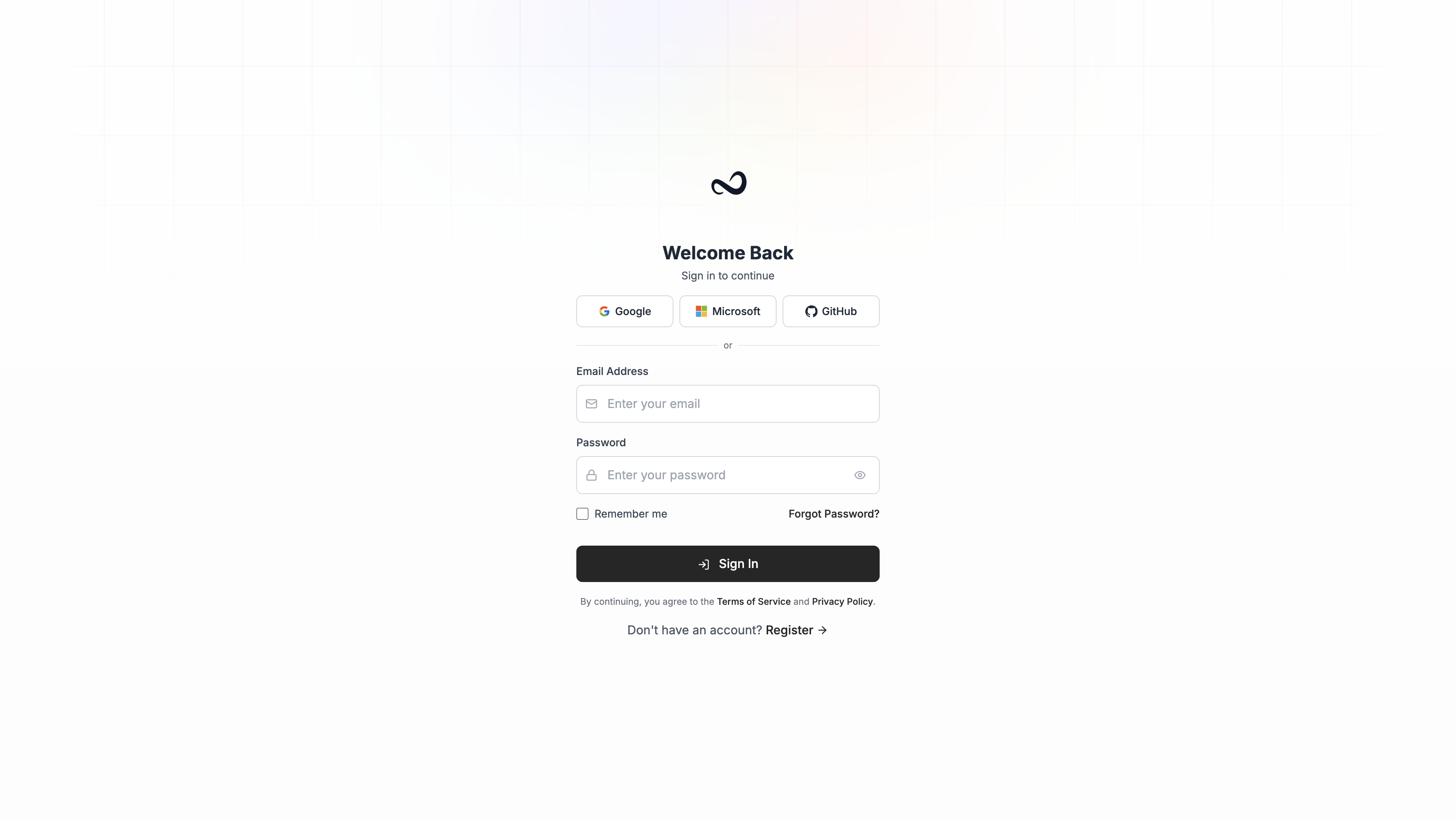
Steps
1
Enter your email and password
Use the same address you registered.
2
Optional: Remember me
Check Remember me if you are on a device you trust.
3
Sign in
Click Sign In. If two-factor authentication is on, Ples sends you to the 2FA challenge next. You can also continue with Google, Microsoft, or GitHub instead of email and password.
Two-factor challenge
If you enabled 2FA, enter the code from your authenticator app or the email OTP, then continue. See Two-factor authentication.Forgot your password?
Click Forgot Password? on the login page, enter your email, and set a new password from the reset link.What’s next?
Initial setup
Add a domain, paste your first backlinks, and see monitoring start.
Understanding the dashboard
Read portfolio metrics, top domains, tags, team, and latest issues.
Two-factor authentication
Turn on 2FA with an authenticator app or email OTP.