

In-app feed
Open the bell in the left rail, or go to app.ples.com/notifications. The feed lists link changes since the last check, one calendar day per page.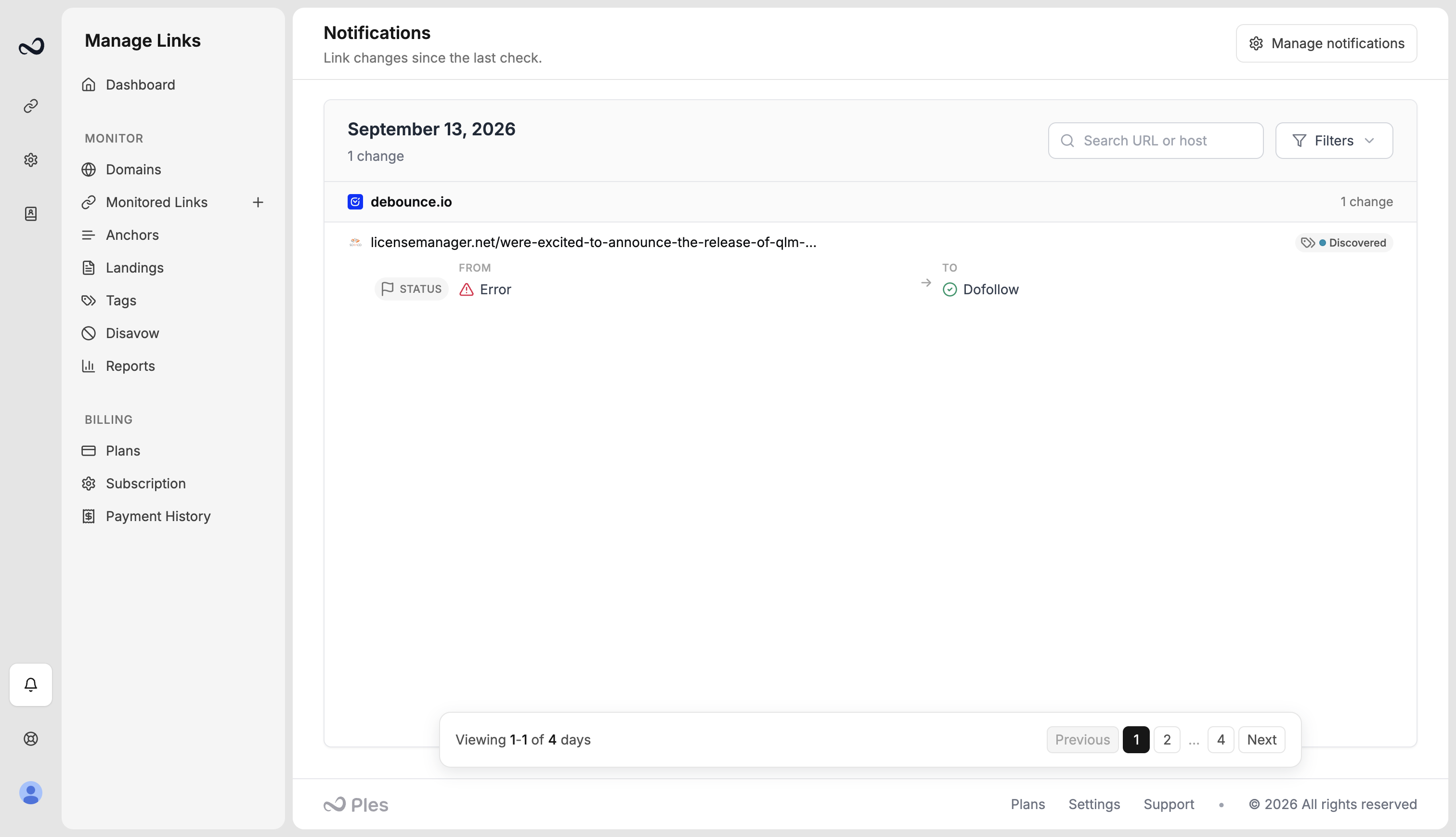
Email and delay
Configure who gets email at app.ples.com/settings/notification.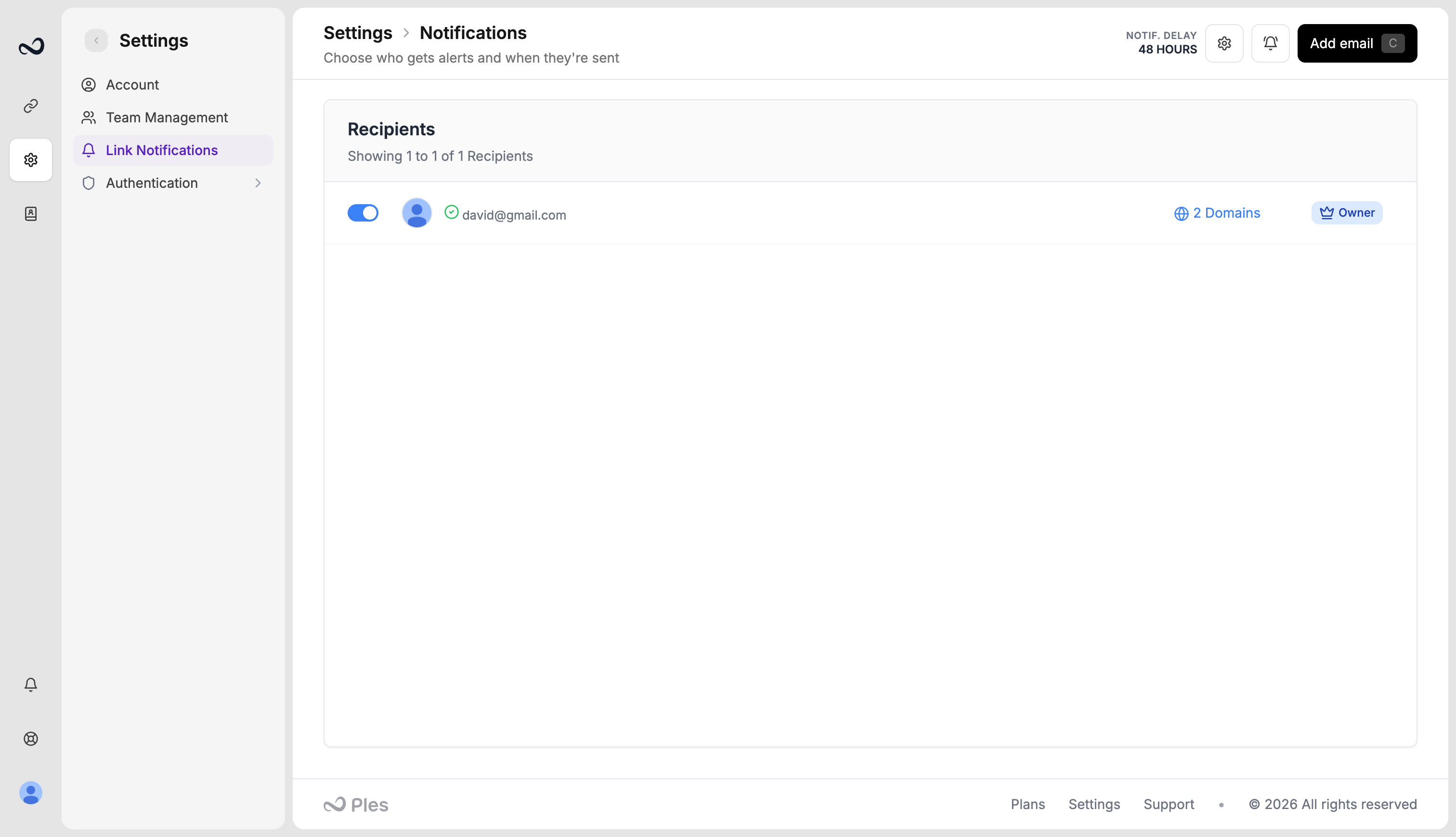
- No delay — send immediately
- 24 hours
- 48 hours (recommended)
- 72 hours
Browser push
On the same settings page, Browser Push Notification pairs up to 5 browsers. Scan the pairing QR or open the pairing link on the device. Pairing lasts 24 hours; the first successful subscribe uses it. Push is separate from email — you can use one, both, or neither.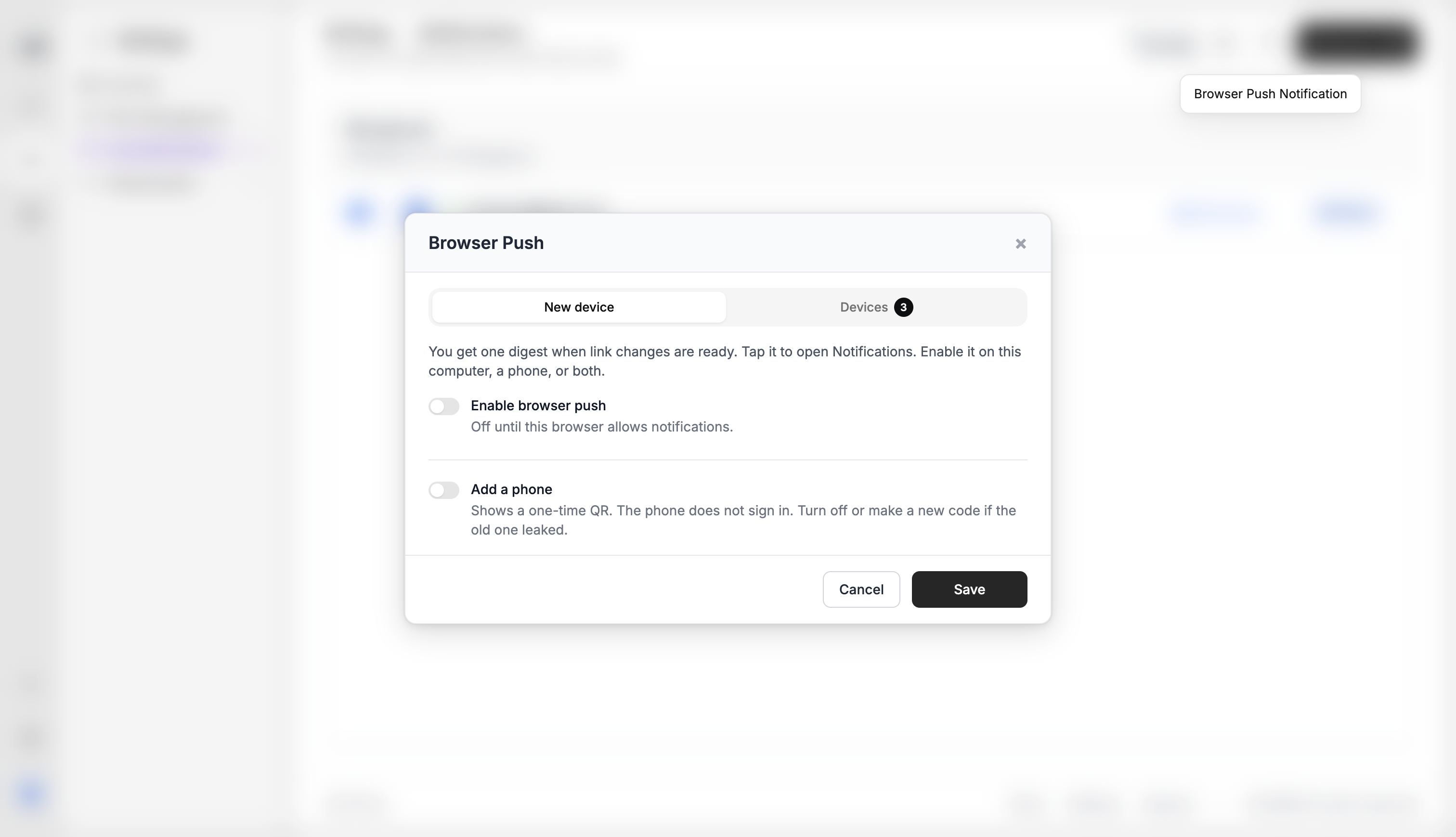
Steps
1
Open the feed
Click the bell in the left rail, or go to
/notifications.2
Open delivery settings
From the feed header, or go to
/settings/notification.3
Add recipients and delay
Add up to five emails, toggle domains, then set Notification Delay Settings to 0 / 24 / 48 / 72 hours.
4
Optional: pair a browser
Click Browser Push Notification and finish pairing on the device that should receive alerts.
These messages are not the same as login notification emails. Link-change mail also uses
info@e.ples.com.What’s next?
Login notifications
Optionally email yourself when someone signs in, including IP and location.
Link statuses
Dofollow, nofollow, not found, error, and waiting. Checks run about every 24 hours.
Link issues
Review error, not found, and nofollow links on the Issues page.
Roles and permissions
Grant Notifications view so teammates can open the feed and settings.