

info@e.ples.com) to the address on the account.
Steps
1
Open Login Notifications
2
Toggle Email Alerts
Turn Notify me about new sign-ins on or off. The change applies to the next login.
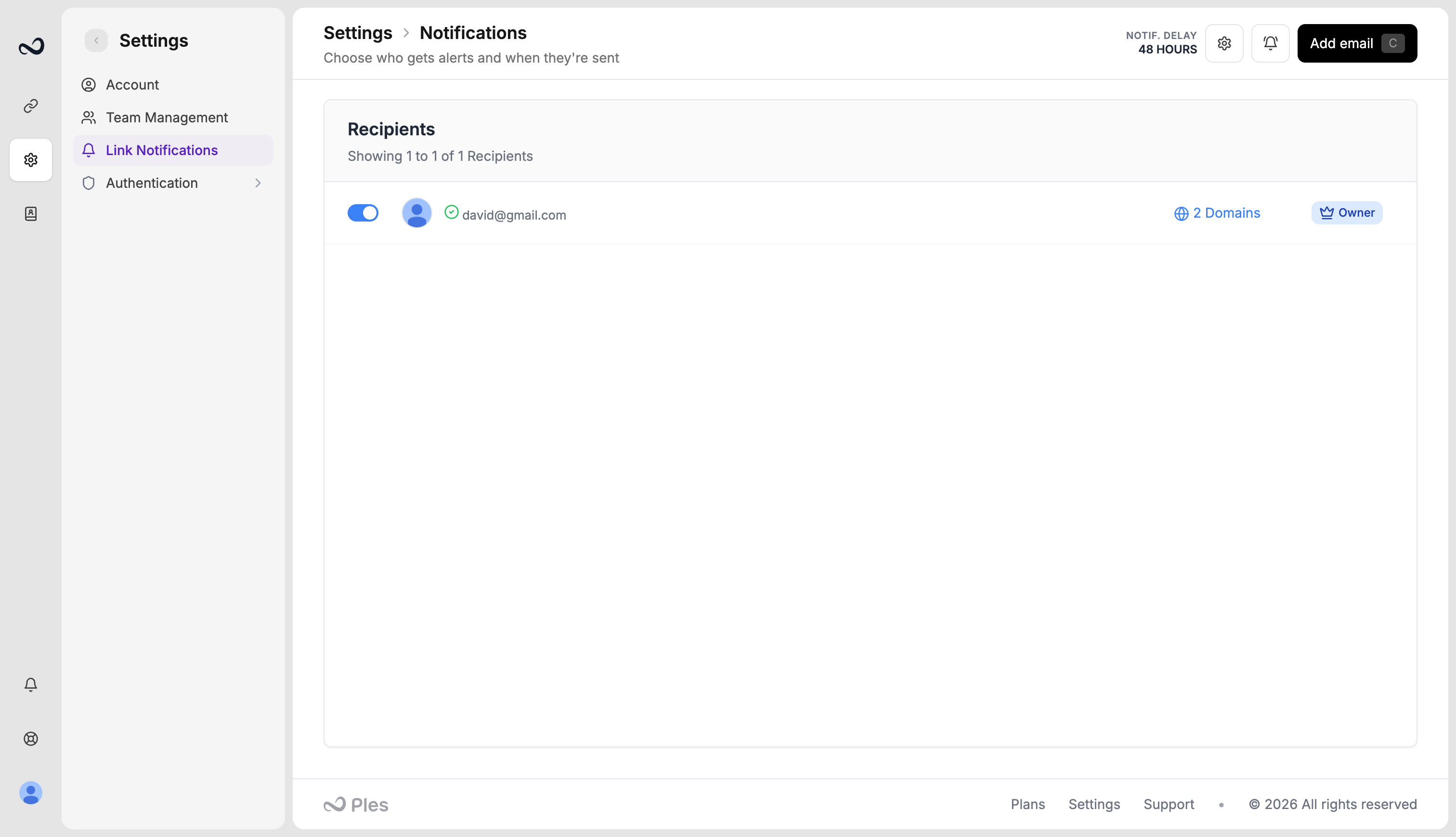
These emails are separate from link change notifications. Login alerts go only to your account email, not to the extra recipients on the Notifications page.
What’s next?
Sessions
See devices signed in to your account and terminate a session.
Two-factor authentication
Turn on 2FA with an authenticator app or email OTP.
Link change notifications
Email up to 5 recipients when a backlink status changes.