

Save them when you turn 2FA on
1
Finish the authenticator wizard
After the TOTP code verifies, open View Backup Codes (or the list shown in the wizard).
2
Copy or print the codes
Keep them offline. Treat them like passwords.
View or regenerate later
1
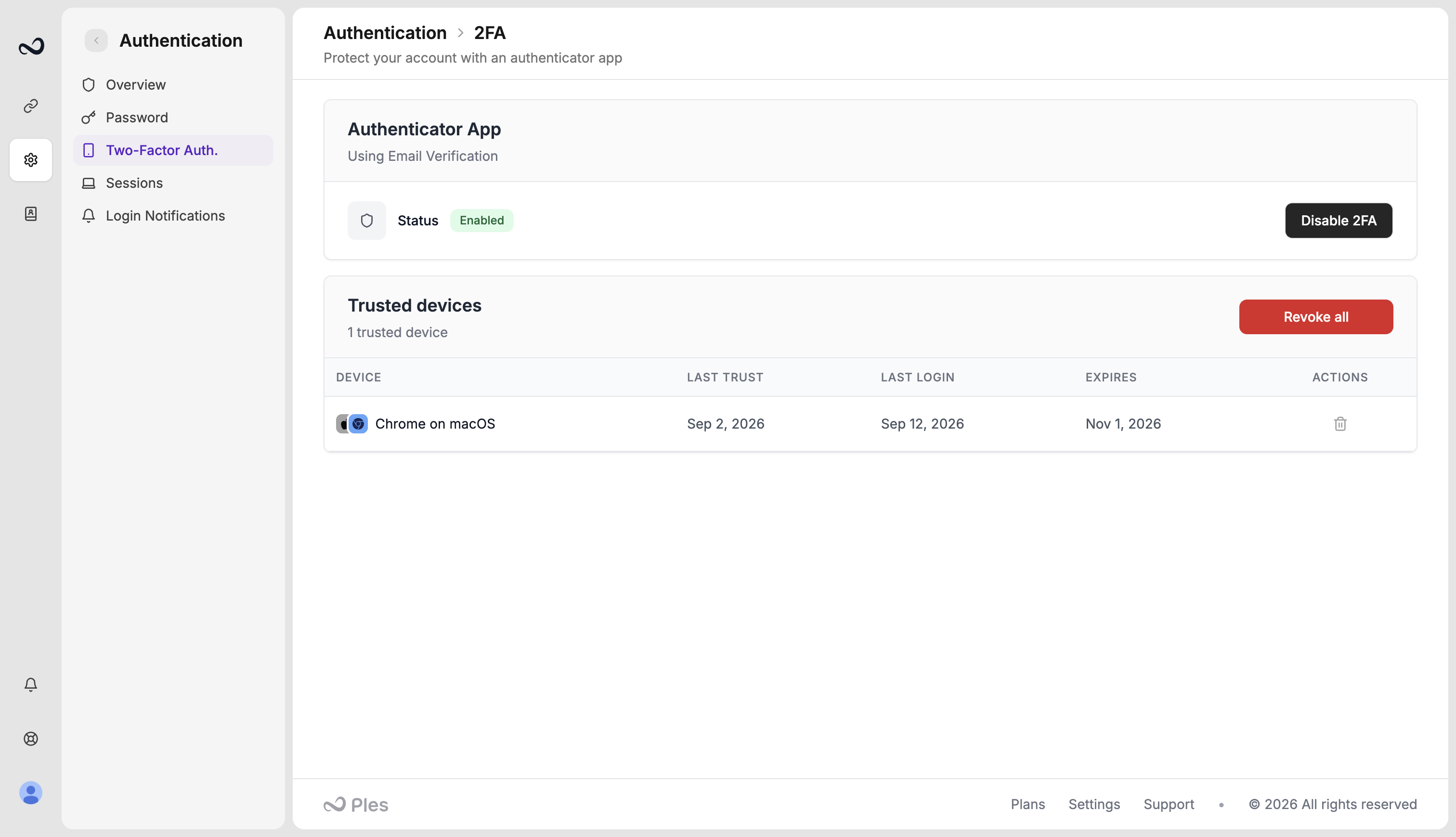
Open 2FA settings
Go to app.ples.com/settings/authentication/2fa while you are still signed in.
2
Open Backup Codes
View the current set, print them, or regenerate. Regenerating invalidates every old code.
If you cannot sign in
Complete/2fa-challenge with a 6-digit authenticator or email code as usual. If you lost the authenticator and you cannot use email OTP, contact support from an address that proves you own the account.
What’s next?
Two-factor authentication
Turn on 2FA with an authenticator app or email OTP.
How to sign in
Sign in with your email and password. Complete 2FA if you turned it on.
Sessions
See devices signed in to your account and terminate a session.