

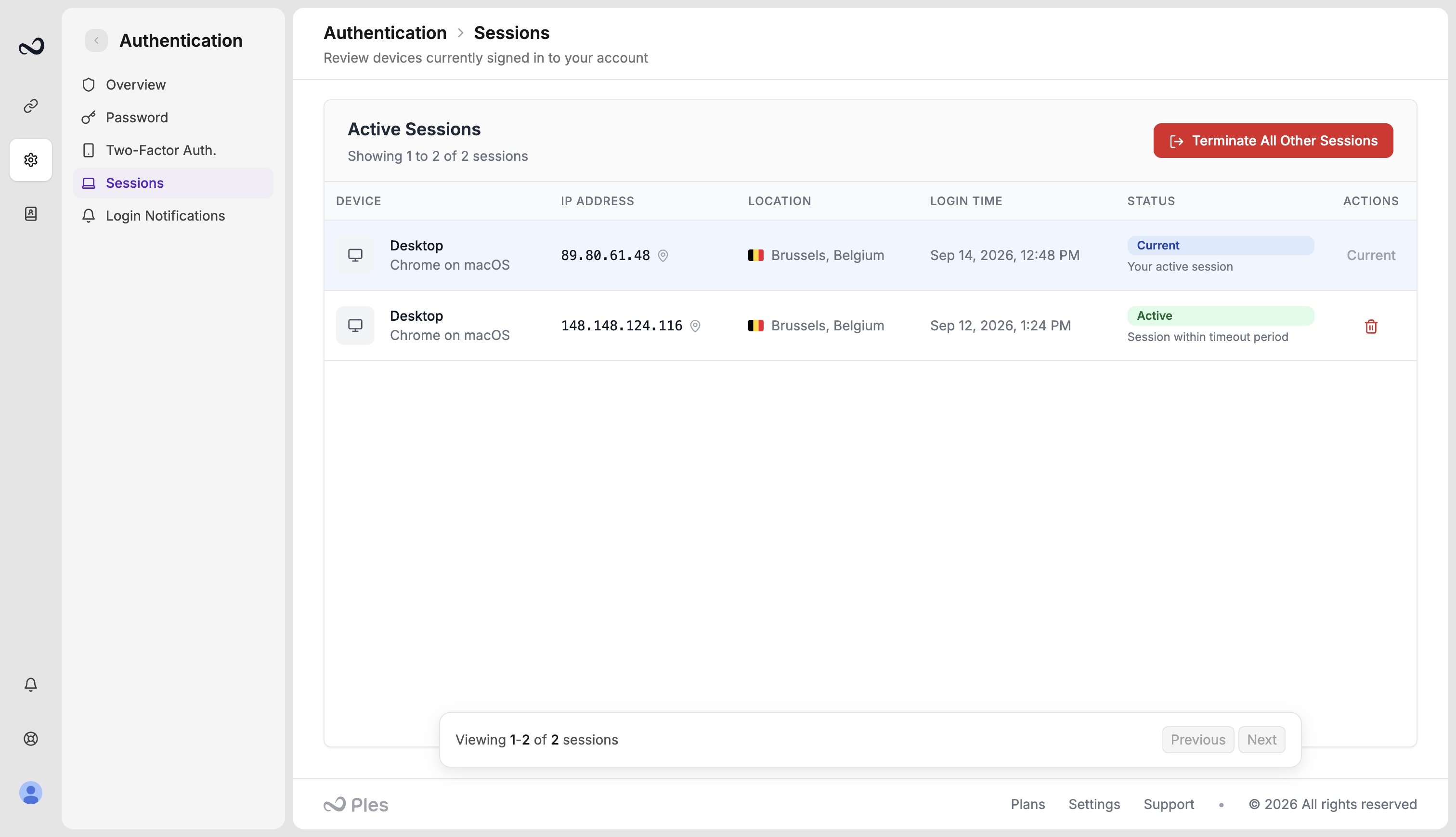
Login time uses your account timezone, for example July 15, 2025.
End a session
1
Open Sessions
Go to
/settings/authentication/sessions.2
Terminate one login
Use the trash icon on an Active row to sign that login out. Keep Current if you want to stay in this browser.
3
Or terminate all others
Click Terminate All Other Sessions to keep this browser and sign out every other login, including older ones from the same device.
What’s next?
Two-factor authentication
Turn on 2FA with an authenticator app or email OTP.
Login notifications
Optionally email yourself when someone signs in, including IP and location.
Account settings
Set your timezone, change your password, and see usage for domains, links, and AI.
How to sign in
Sign in with your email and password. Complete 2FA if you turned it on.