

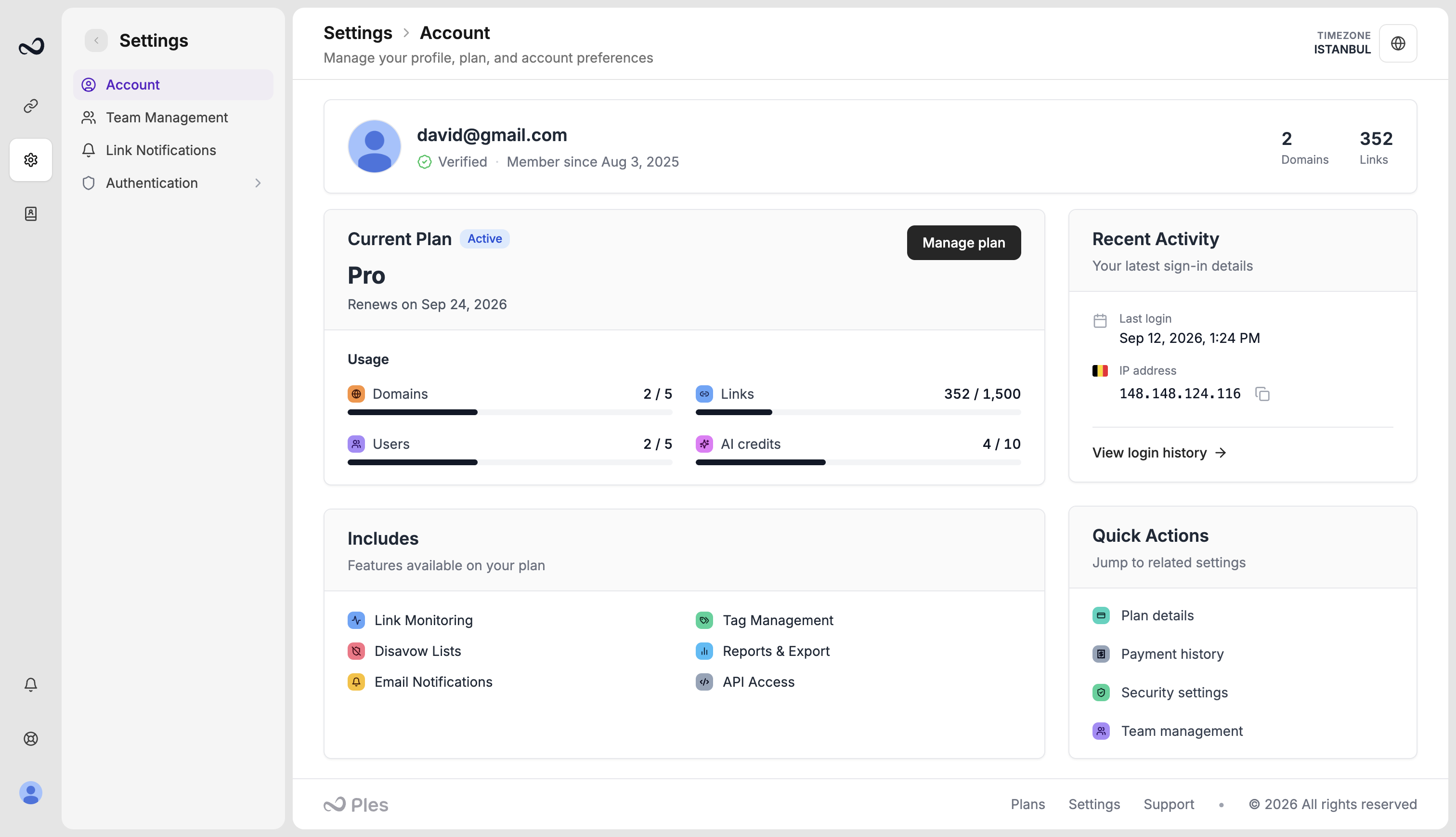
Timezone
Dates and times in the panel use this timezone (for example July 15, 2025 on Sessions and invoices). Search for your zone and save. This is per signed-in user, including teammates.Password
Change your password from Account. Enter the current password, then the new one, and meet the on-page requirements.Avatar
Your avatar is generated from the account email. You do not upload a custom file here.Usage bars
Owners see how much of the plan is in use:- Domains vs plan cap
- Links vs plan cap
- Users vs plan cap
- AI credits used this month vs quota
Team members see Account for their own timezone and password. Plan usage and billing stay with the owner.
What’s next?
Two-factor authentication
Turn on 2FA with an authenticator app or email OTP.
Plan limits
Domain, link, user, and AI caps on trial and paid plans.
Teams and billing
How teams, roles, plans, and invoices fit together.
Link change notifications
Email up to 5 recipients when a backlink status changes.