

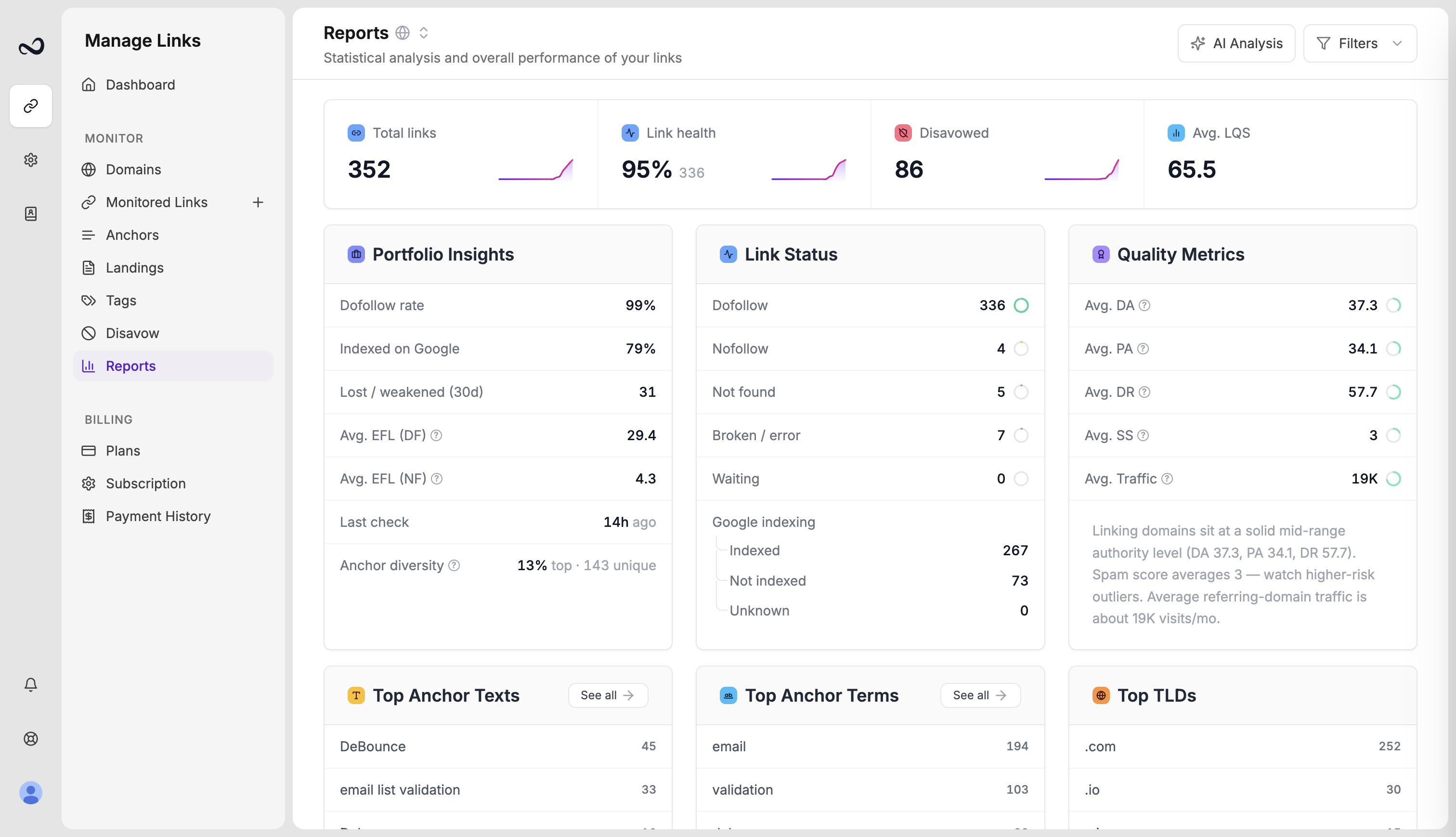
What the page shows
- Link health — share of live dofollow links
- Avg. LQS — mean Link Quality Score across scored links
- DA / PA / DR distribution — how Moz Domain Authority, Page Authority, and Ahrefs Domain Rating spread across the portfolio
- Indexing — how many found links are indexed, not indexed, or unknown on Google
- Tag performance — how tagged groups compare (average LQS, dofollow rate, issues)
- Disavow candidates — links with high spam score or weak LQS that are not on your disavow list yet
Filter the portfolio
Use the filter panel to limit charts to selected domains, statuses, tags, contacts, disavow state, and anchor type (text or image). Filters apply to the numbers on the page.Analyze and export
- Click Analyze Portfolio for a GPT-5.6 Terra analysis of the current filtered set (uses your monthly AI quota).
- Export the underlying rows as PDF or Excel from Links.
You need at least one monitored link before Reports has data to show.
What’s next?
How to read portfolio reports
Interpret link health, average LQS, authority charts, and indexing on Reports.
Analyze your portfolio with AI
Run Analyze Portfolio on Reports to get GPT-5.6 Terra insights within your plan quota.
Export a links report
Download monitored backlinks as Excel or PDF. Filters on Monitored Links apply to the file.
Disavow list
Mark toxic backlinks and prepare a file for Google Search Console.