

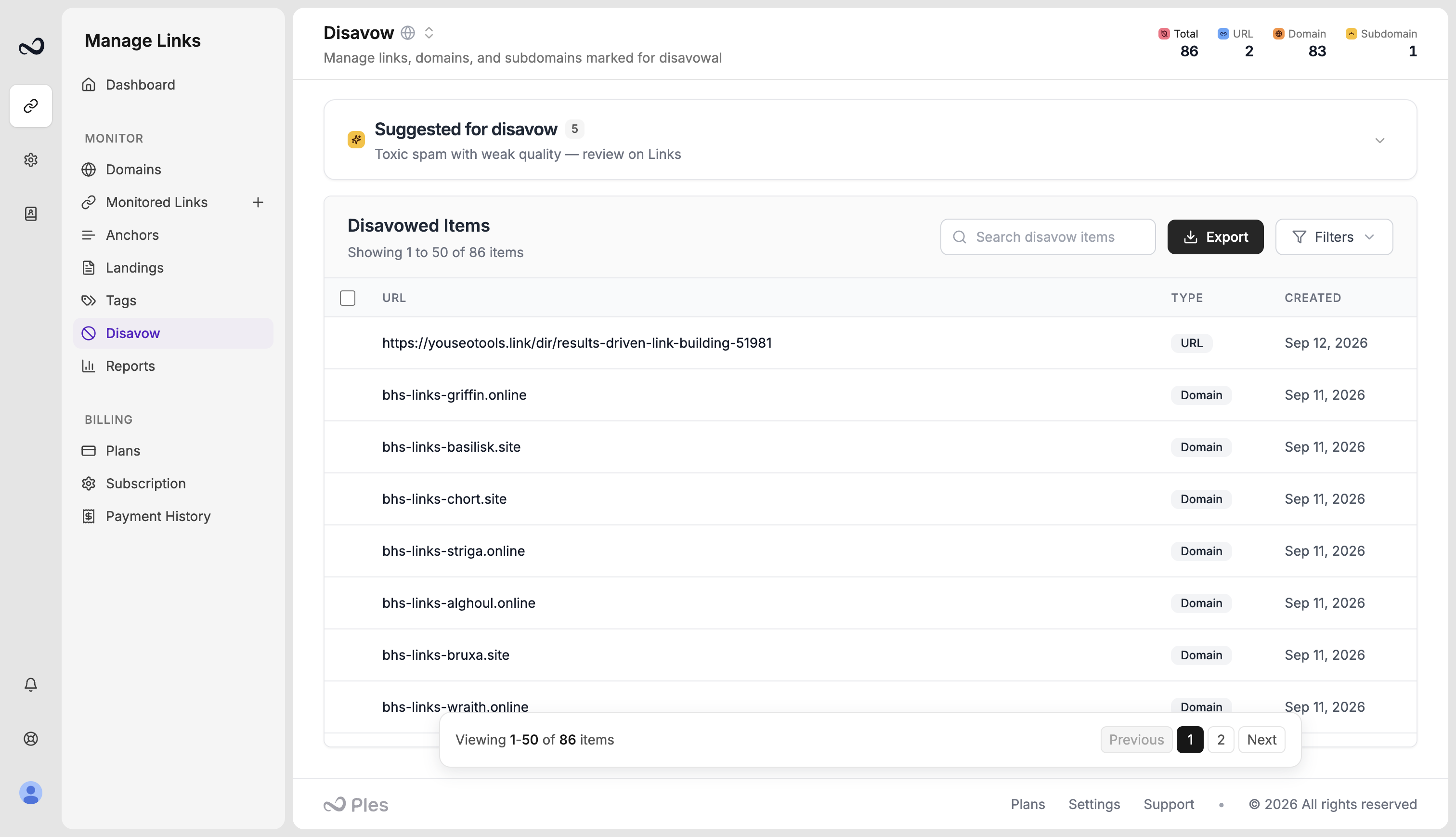
What you can mark
Each entry is one of:- URL — a single page
- Subdomain — every URL on that subdomain
- Domain — the whole host
Add links to the list
1
Find the link
Open Links or use disavow suggestions on the Disavow page.
2
Mark it
Add the row to Disavow and choose domain, subdomain, or url. You can also add several rows with bulk actions.
3
Review the list
Confirm the type and value. Removing an item here does not delete the monitored link — it only takes it off the disavow list.
What’s next?
Disavow suggestions
Review high spam or weak LQS suggestions before you disavow them.
Export a disavow file for GSC
Download a per-domain disavow file in GSC format and upload it in Search Console.
Link issues
Review error, not found, and nofollow links on the Issues page.
Reports overview
See portfolio health, average LQS, indexing, tags, and disavow candidates.