

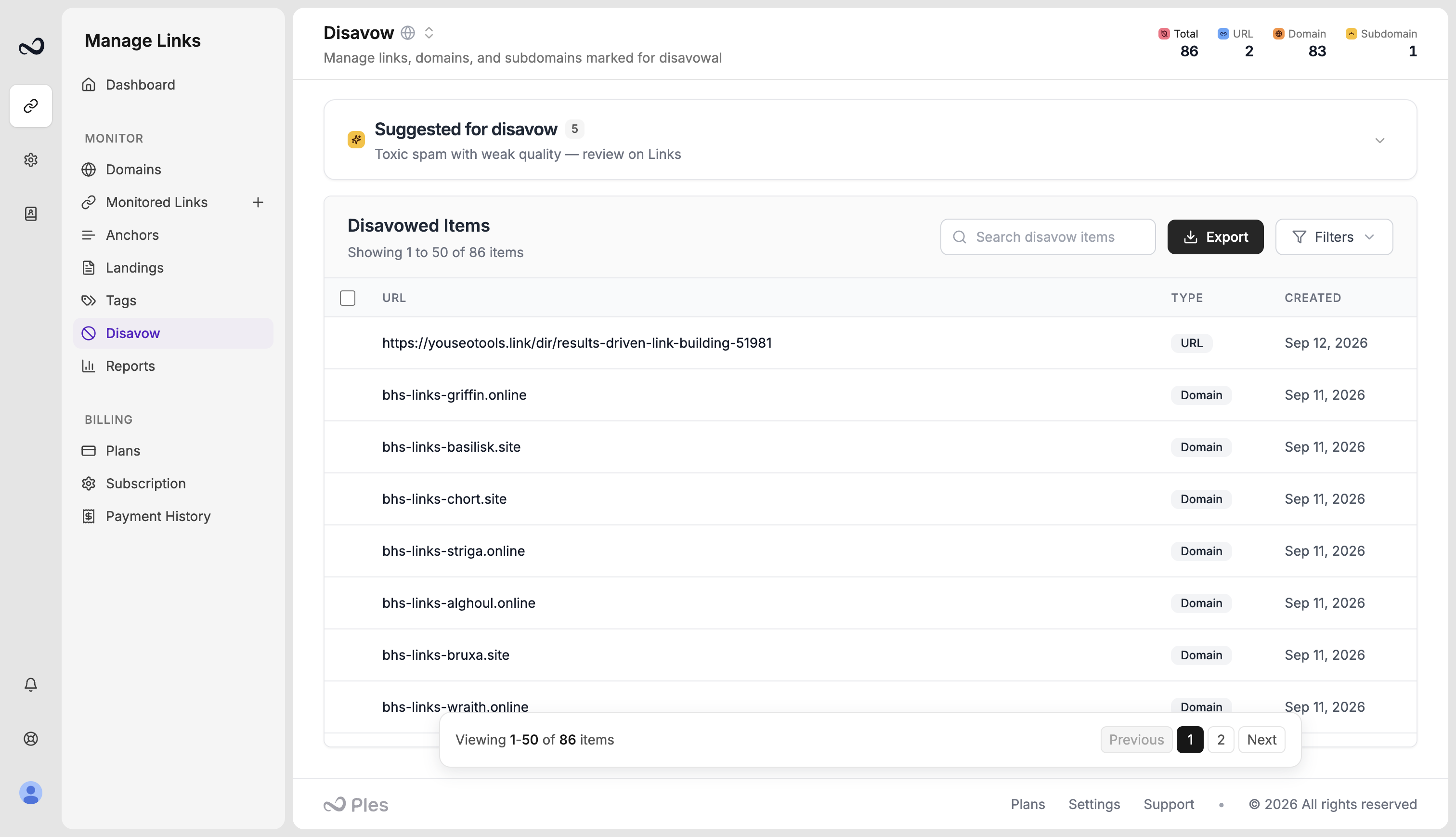
What gets suggested
A link appears when it has a high spam score or a weak LQS, and it is not already disavowed. The panel shows spam score (SS) and LQS so you can compare rows. Suggestions respect the domain filter on the page. These are candidates, not automatic disavows. Open the URL on Links before you mark it.Steps
1
Open Disavow
Go to app.ples.com/disavow.
2
Read the suggestions panel
The block is titled for high spam score or weak LQS. You can collapse it after you review it.
3
Inspect the link
Check the live page, status, and metrics. Skip anything you still want Google to count.
4
Add it if it belongs
Mark the link as domain, subdomain, or url, then export for GSC when the list is ready.
What’s next?
Disavow list
Mark toxic backlinks and prepare a file for Google Search Console.
Export a disavow file for GSC
Download a per-domain disavow file in GSC format and upload it in Search Console.
What is Link Quality Score (LQS)?
LQS is a 0–100 score from DA, DR, PA, spam, traffic, and EFL.
Link issues
Review error, not found, and nofollow links on the Issues page.