

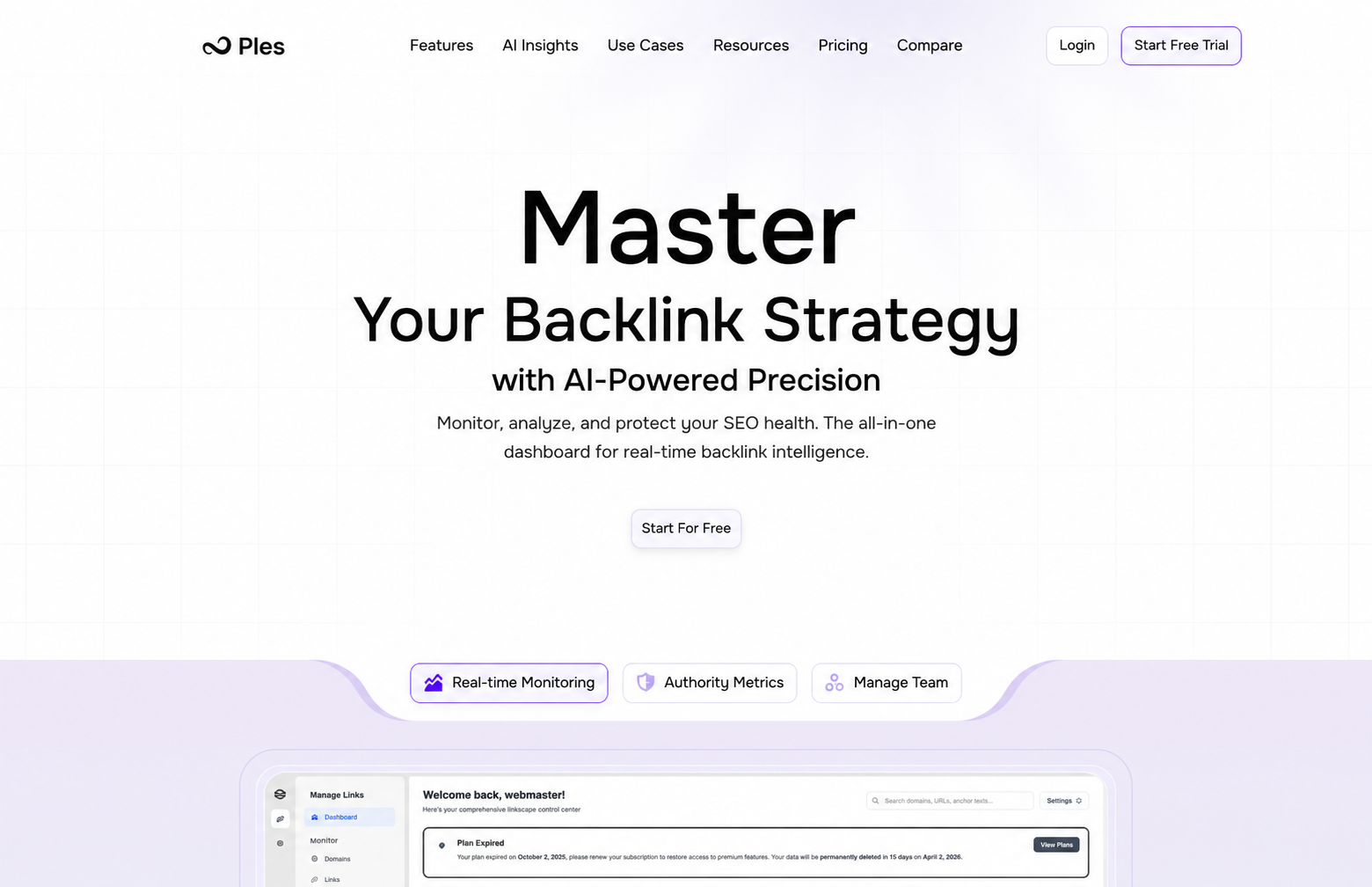
What you can do
- Detect current backlinks — Backlink Finder finds existing backlinks pointing at domains you already monitor. Add the ones you want to audit.
- Monitor a list of links — Copy and paste the backlink URLs you already have. Ples tracks their status on Monitored Links.
- Tags, notes, and contacts — Add tags, notes, or related contacts to each link.
- Crawl and audit — Ples crawls monitored URLs about every 24 hours: dofollow, nofollow, not found, or error
- Score quality — Link Quality Score (LQS), Domain Authority, Page Authority, Domain Rating, spam score, and Google indexing
- Find problems — broken and nofollow links on the Issues page and dashboard
- Protect your site — build a disavow list and export a file for Google Search Console
- Report on the portfolio — charts, exports, and optional AI analysis
- Work as a team — invite editors and viewers with per-menu permissions
How monitoring works
- Add a domain you own (the site the backlinks should point to).
- Add backlink URLs you already know, or open Backlink Finder so Ples can detect current backlinks for you.
- Ples crawls each monitored URL on the next daily cycle (and about every 24 hours after that) so you can audit it.
- Open Monitored Links, Issues, Reports, or Disavow to act on the results.
New links show as Waiting until the first crawl finishes. That is expected — see Why is my link still waiting?.
Who Ples is for
SEO teams, agencies, and site owners who need an ongoing record of acquired backlinks — including links Ples detects for you — not a one-time crawl of the whole web.What’s next?
Create an account
Sign up with your email, start a 7-day trial, and confirm your inbox.
Initial setup
Add a domain, paste your first backlinks, and see monitoring start.
Backlink Finder
Review current backlinks Ples detected, then add them so Ples can crawl and audit them.
Monitoring overview
How Ples checks backlinks every 24 hours and where to review status and issues.