

What to do
1
Confirm the URL was saved
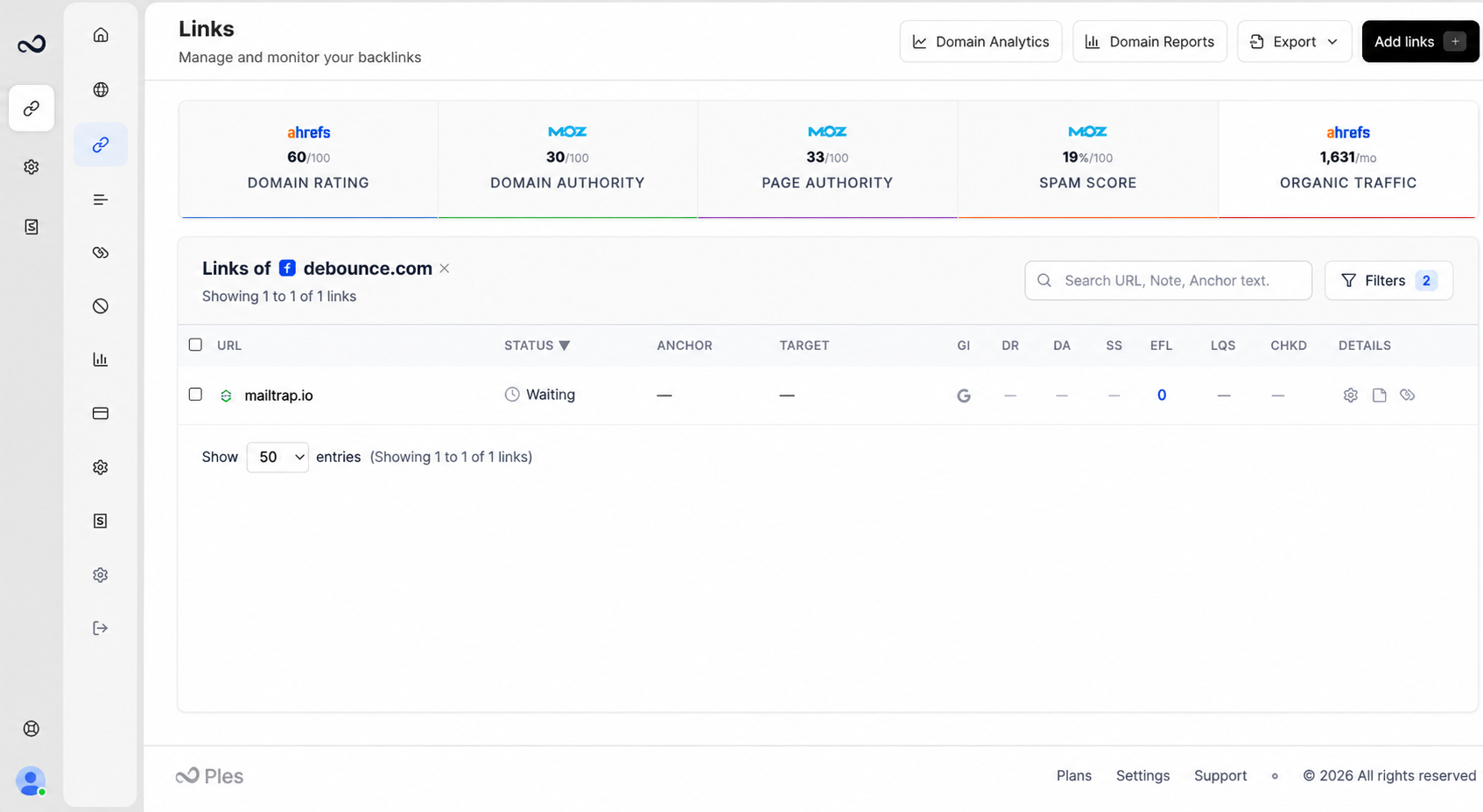
Open Links and find the row. If it is missing, add it again from Add backlinks.
2
Wait for the daily cycle
Hover the Waiting badge if you need a rough age (for example less than an hour, or several hours). Do not expect an immediate recrawl.
3
Check the plan is active
Expired trials and plans do not run new checks. See What happens when your plan expires.
Filters and Reports include Waiting as its own status. After the first check, the row moves to Dofollow, Nofollow, Not found, or Error.
What’s next?
Link statuses
Dofollow, nofollow, not found, error, and waiting. Checks run about every 24 hours.
How to add backlinks
Add up to 150 backlink URLs per submission after you choose a domain.
Why does my link show an error?
Error means Ples could not complete the check. Retries run automatically.
Monitoring overview
How Ples checks backlinks every 24 hours and where to review status and issues.