

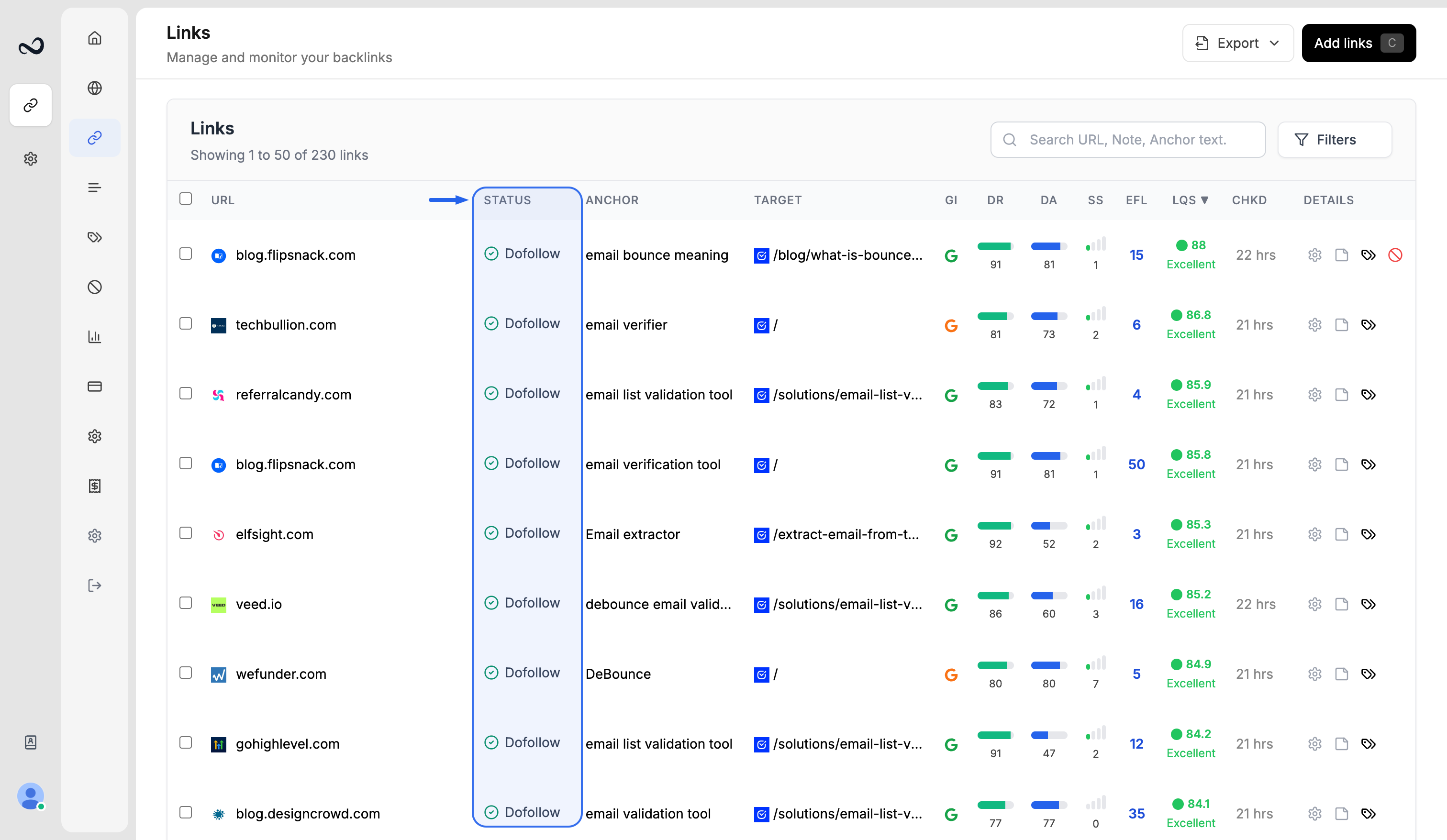
Statuses
Error is for crawl errors and restrictions on the destination URL — bot protection, blocks, rate limits, and similar. It does not mean the backlink is missing; that shows as Not found.
New links stay Waiting until the first check. After that, Ples rechecks about every 24 hours.
Error, Not Found, and Nofollow also appear on Issues (
/links-issues).How to filter by status
1
Open Monitored Links
Go to
/links.2
Open filters
Open the filter panel and select one or more statuses.
3
Apply
Apply the filter. The table shows only matching rows.
What’s next?
Link issues
Review error, not found, and nofollow links on the Issues page.
How to add backlinks
Add up to 150 backlink URLs per submission after you choose a domain.
Monitored Links
Read URL, status, anchor, GI, DR, DA, LQS, last checked, and more.
What is LQS?
LQS is a 0–100 score from DA, DR, PA, spam, traffic, and EFL.