

/links) is the full list of URLs you monitor. Click Add links to submit more. Select rows for bulk actions.
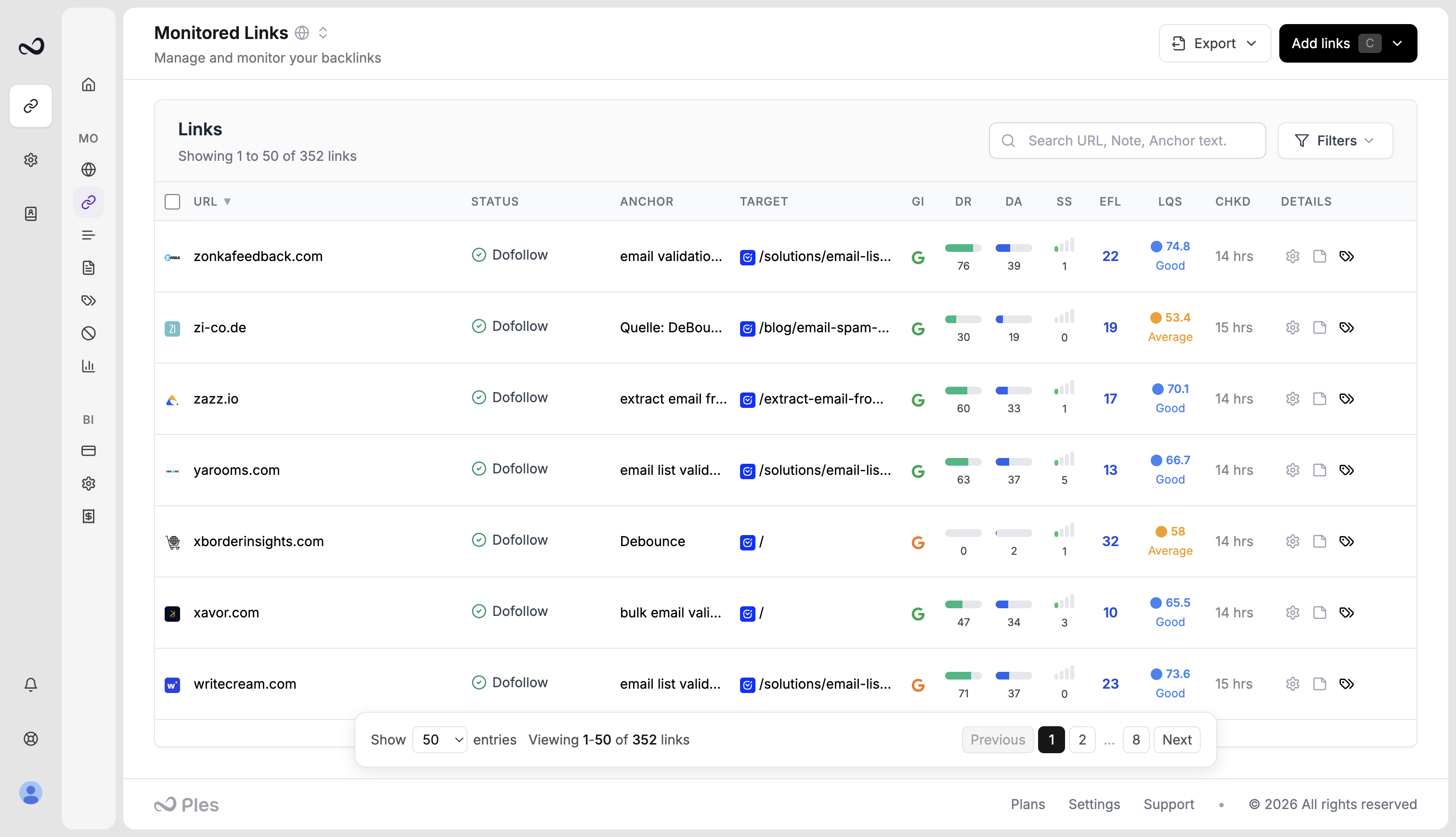
How to open the table
1
Sign in
Open the app and go to Monitored Links (
/links), or click Add links on an empty table.2
Scan the columns
Each row is one URL you submitted. Status updates about every 24 hours. Click a URL for link details.
Columns
Click a URL to open link details. Hover EFL for external nofollow and internal counts. Hover LQS, GI, DR, DA, and SS for the metric name.
What’s next?
Link statuses
Dofollow, nofollow, not found, error, and waiting. Checks run about every 24 hours.
Filter, sort, and search
Filter and sort Monitored Links, and search domains, URLs, anchors, and tags.
Bulk actions
Select links to add tags, edit contacts, update disavow, or delete rows.
Link details
Open a link for status, metrics, target URL, last check, and the visualizer.