

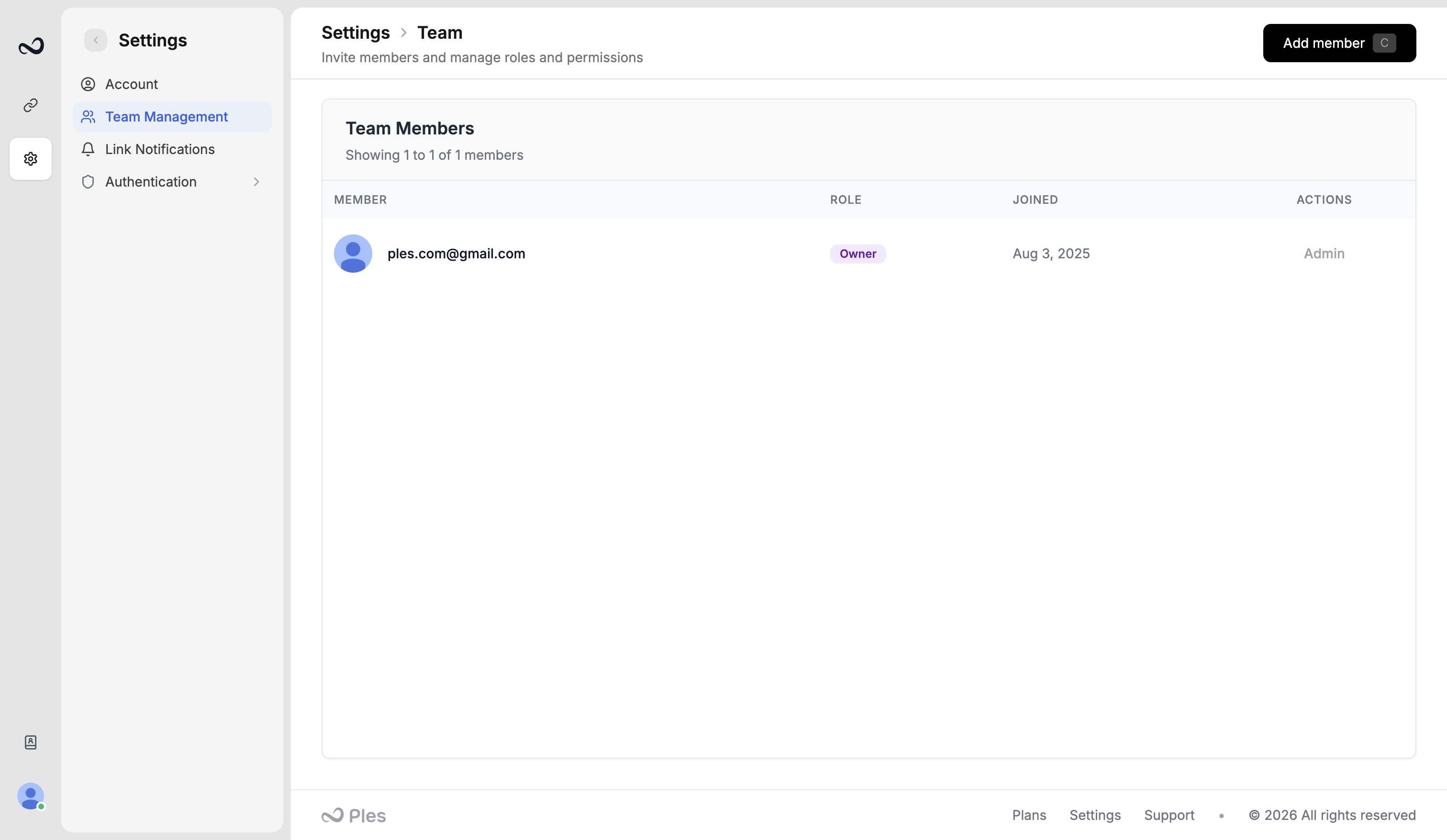
Team
- The owner (and any admin) invites people as Editor or Viewer from
/settings/team-management. - You can have as many members as your plan’s users limit (trial 1, Basic 2, Pro 5, Business 10, Enterprise 20).
- At most 5 invitations can sit pending at once.
- Editors and viewers get per-menu view and edit access. See Roles and permissions.
Billing
Only the owner/admin manages plans, subscription, and invoices:- Plans and pricing —
/plans - Subscription and renewal —
/subscription - Payment history —
/payment-history
What’s next?
How to invite teammates
Invite an editor or viewer by email from Team, within your plan’s user cap.
Roles and permissions
Owner, Admin, Editor, and Viewer roles, plus per-menu view and edit.
Plans and pricing
Basic, Pro, Business, and Enterprise prices, including yearly billing.
Account settings
Set your timezone, change your password, and see usage for domains, links, and AI.