

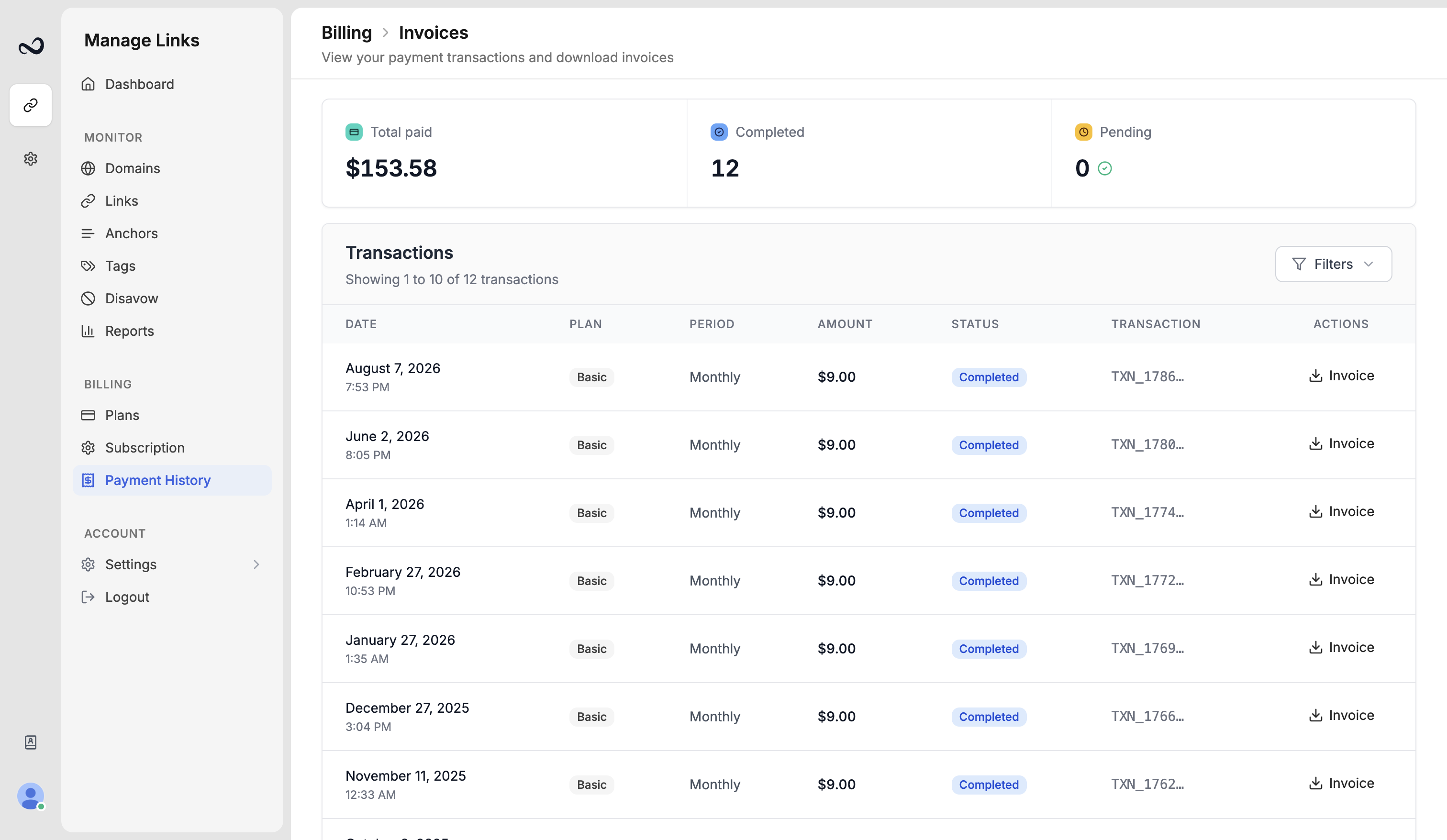
- Completed
- Pending
- Failed
- Cancelled
Download an invoice
1
Open Payment history
Go to
/payment-history.2
Find the charge
Use status or search if the list is long.
3
Download the invoice
Download the invoice for that completed payment.
Team editors and viewers do not see this page unless you grant Billing view. The owner (for example David) keeps the receipts.
What’s next?
Subscription and renewal
See your plan, renewal date, billing period, and reminder preferences.
Plans and pricing
Basic, Pro, Business, and Enterprise prices, including yearly billing.
Upgrade or downgrade
Upgrades apply with proration. Downgrades wait until the period ends.
What happens when your plan expires
After a plan ends, Ples keeps your data for 60 days, then deletes it.