

Limits
- Members cannot exceed your plan’s users cap (see Plan limits).
- You can have at most 5 pending invitations. Wait for one to be accepted, expired, or revoked before sending another.
Steps
1
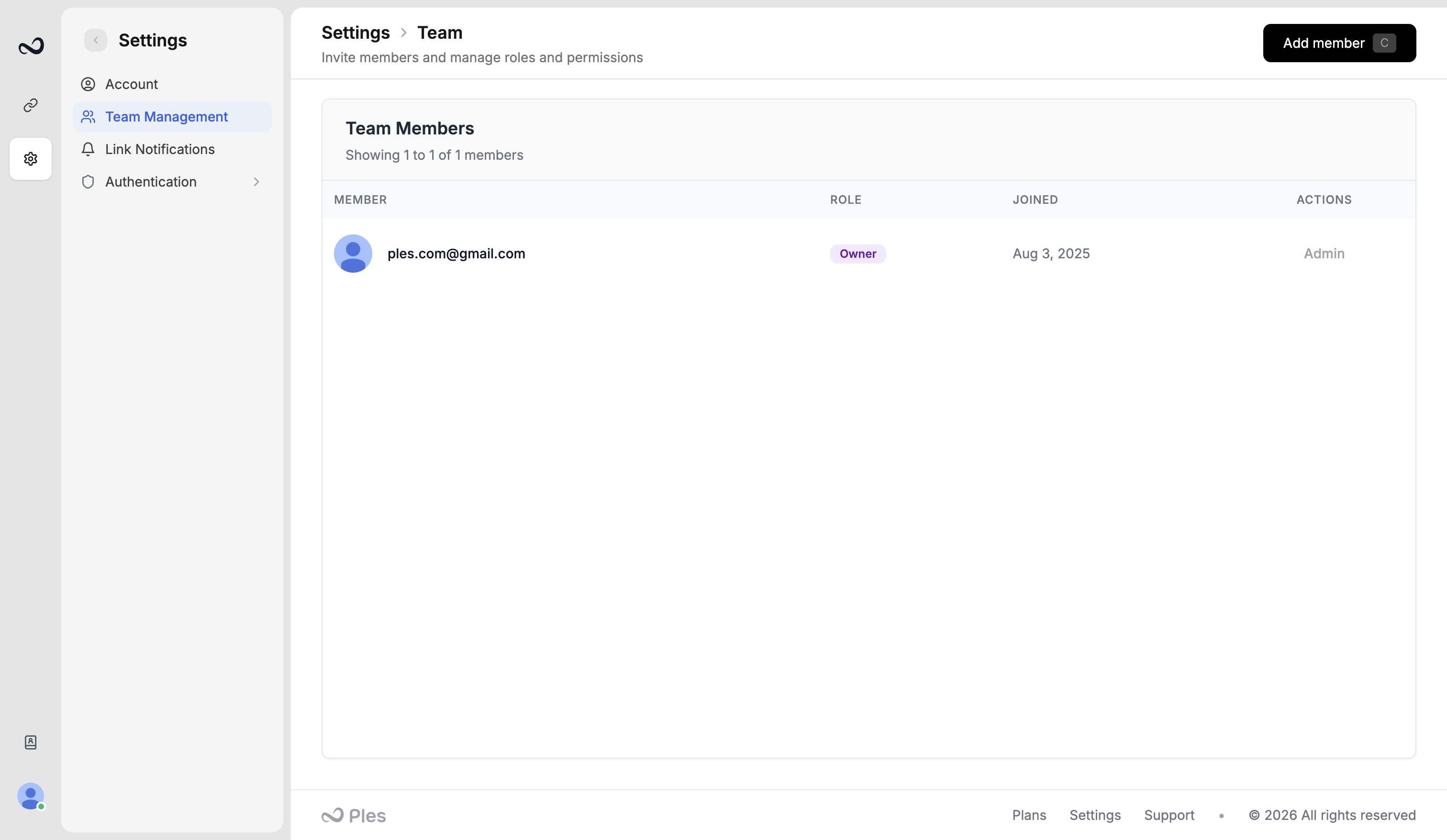
Open Team
Go to app.ples.com/settings/team-management. Only the owner or an admin can open this page.
2
Click Add member
Enter the person’s email.
3
Choose Editor or Viewer
Editor can get view and edit on the menus you check. Viewer gets view only. Set per-menu access for Domains, Monitored Links, Tags, Disavow, Reports, Contacts, Billing, and Notifications.
4
Send the invitation
Complete the check if Ples shows Cloudflare Turnstile, then send. They open the invite link, set a password, and sign in. Invited users skip email confirmation.
What’s next?
Roles and permissions
Owner, Admin, Editor, and Viewer roles, plus per-menu view and edit.
Teams and billing
How teams, roles, plans, and invoices fit together.
You hit a plan limit
What to do when Ples blocks a new domain, link, teammate, or AI analysis.