

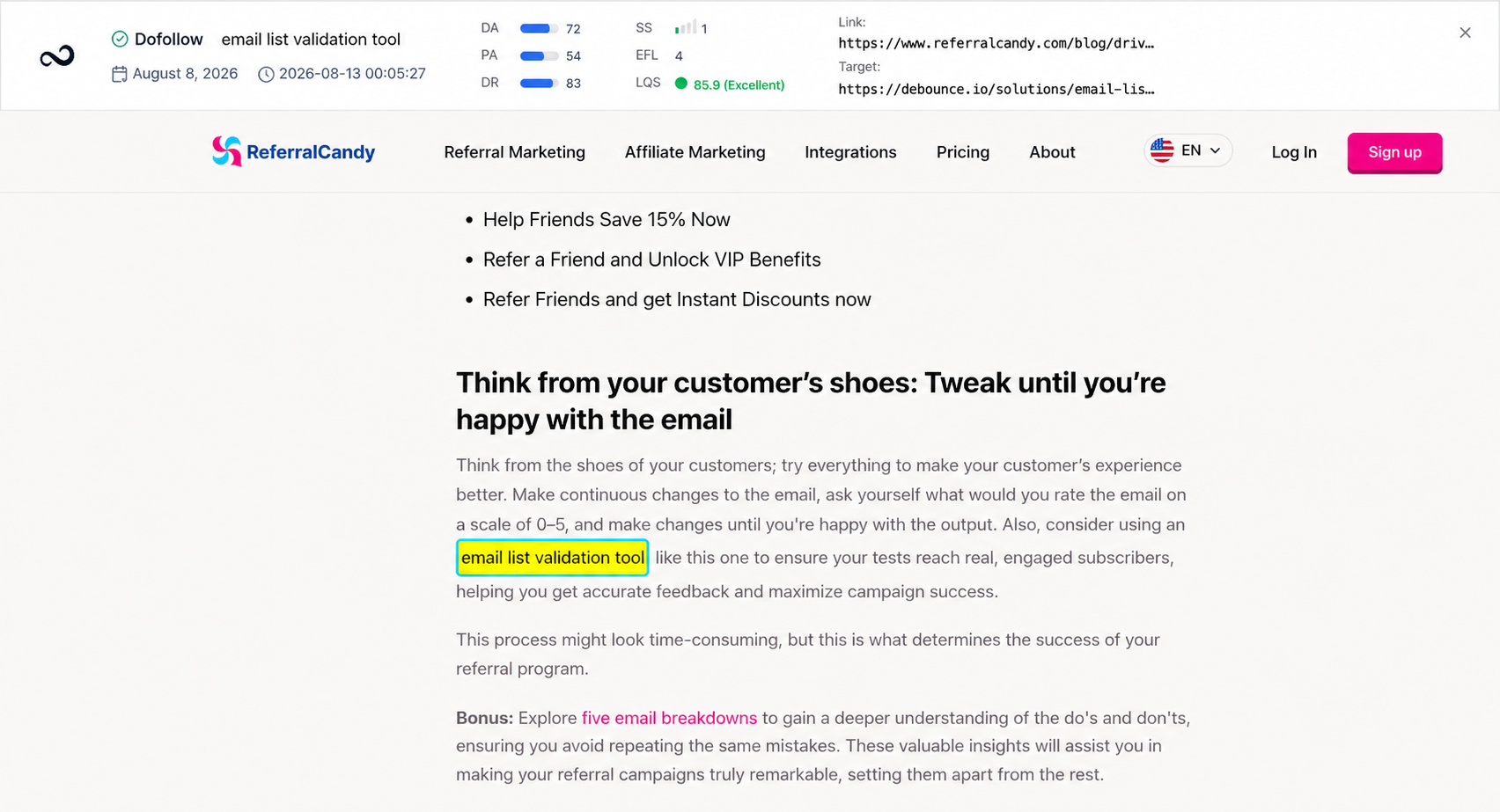
Steps
1
Open the link
On Links, click the URL you want to inspect. See Link details.
2
Open Link Visualizer
Click the visualizer icon. It opens a preview of that page in a new tab.
3
Confirm the link on the page
Find the highlighted text. Check that the placement, anchor, and destination look right.
What’s next?
Link details
Open a link for status, metrics, target URL, last check, and the visualizer.
Monitored Links
Read URL, status, anchor, GI, DR, DA, LQS, last checked, and more.
What is EFL?
EFL is the external dofollow link count on the linking page.
Link statuses
Dofollow, nofollow, not found, error, and waiting. Checks run about every 24 hours.