

What to do
1
Open the link
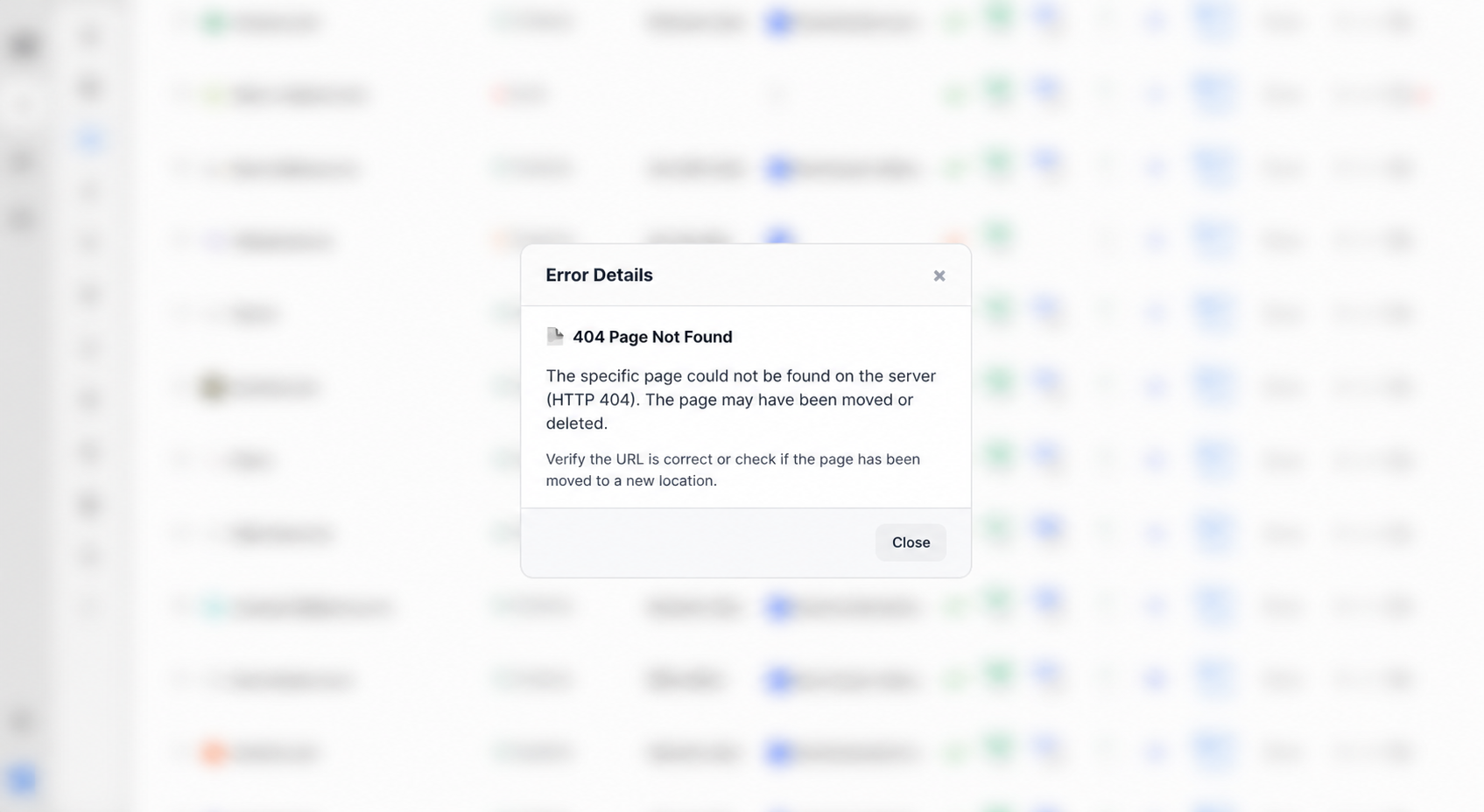
From Links or Link issues, open the row and confirm the URL loads in your browser.
2
Fix what you control
Correct a typo, update a redirected URL, or replace a page that is down. Save the change on the link if you edited the URL.
3
Wait for the next check
Do not expect an instant recrawl. If the page is healthy, the next cycle should move the status off Error.
What’s next?
Link statuses
Dofollow, nofollow, not found, error, and waiting. Checks run about every 24 hours.
Link issues
Review error, not found, and nofollow links on the Issues page.
Why is my link still waiting?
New backlinks stay Waiting until Ples finishes the first check.
Link details
Open a link for status, metrics, target URL, last check, and the visualizer.