

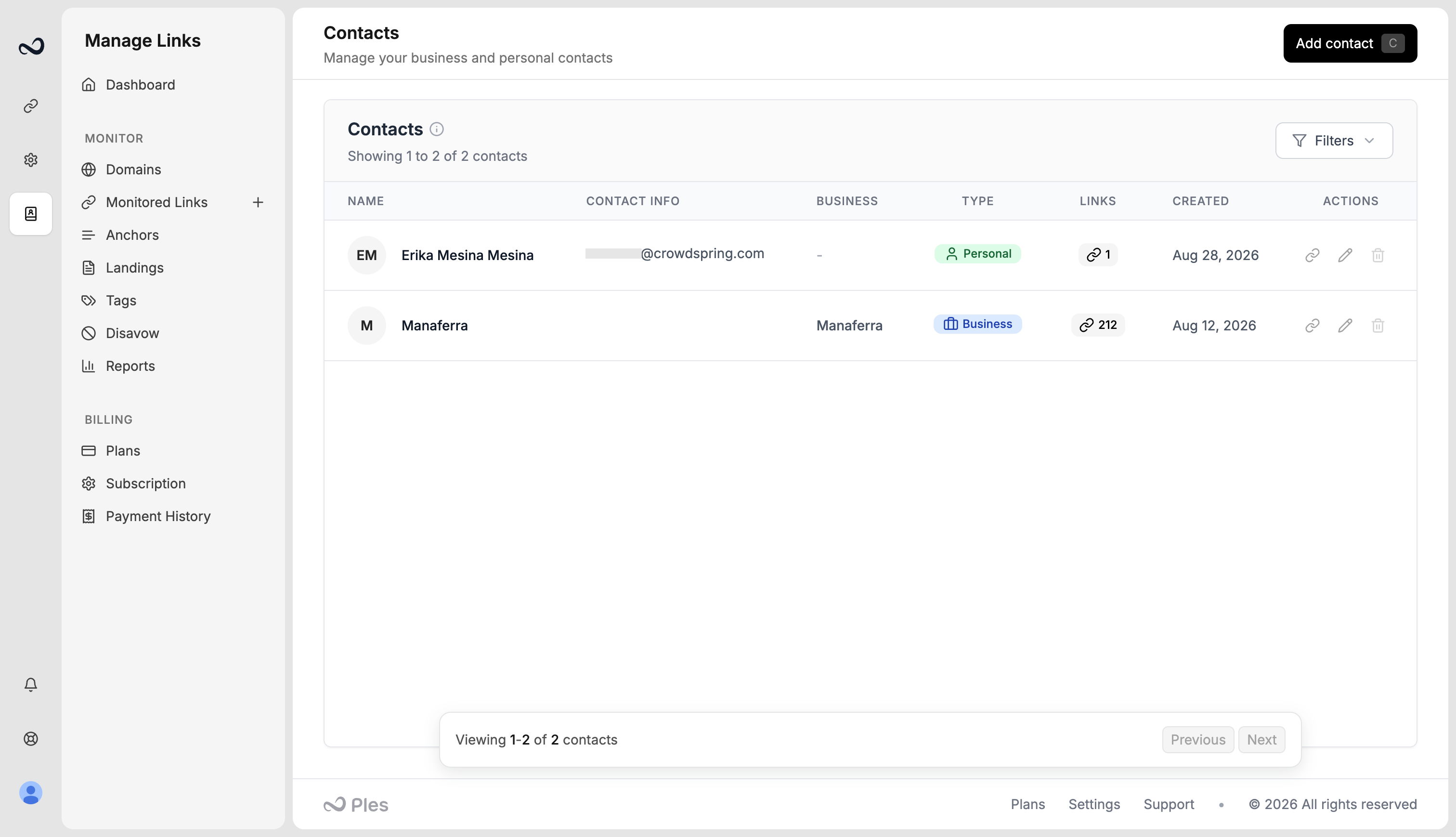
Add a contact
1
Open Contacts
Go to
/contacts.2
Click Add contact
Use Add contact in the header.
3
Fill the fields
Enter first name (required), last name, email, phone, and contact type (Personal or Business). For business contacts, add a business name. Example: David at a publisher David works with.
4
Save
Save the contact. It appears in the list with how many links are assigned.
Assign contacts to links
1
While adding links
On
/links-add, pick contacts in the Contacts step.2
On existing links
Select rows on
/links and use bulk Edit Contact, or open link details and manage contacts there.What’s next?
Tags
Create colored tags and assign up to 5 per link.
How to add backlinks
Add up to 150 backlink URLs per submission after you choose a domain.
Bulk actions
Select links to add tags, edit contacts, update disavow, or delete rows.
Link details
Open a link for status, metrics, target URL, last check, and the visualizer.