

/anchors) aggregates anchor text from live links (dofollow and nofollow). Broken and missing links are left out so the profile matches what is still on the page.
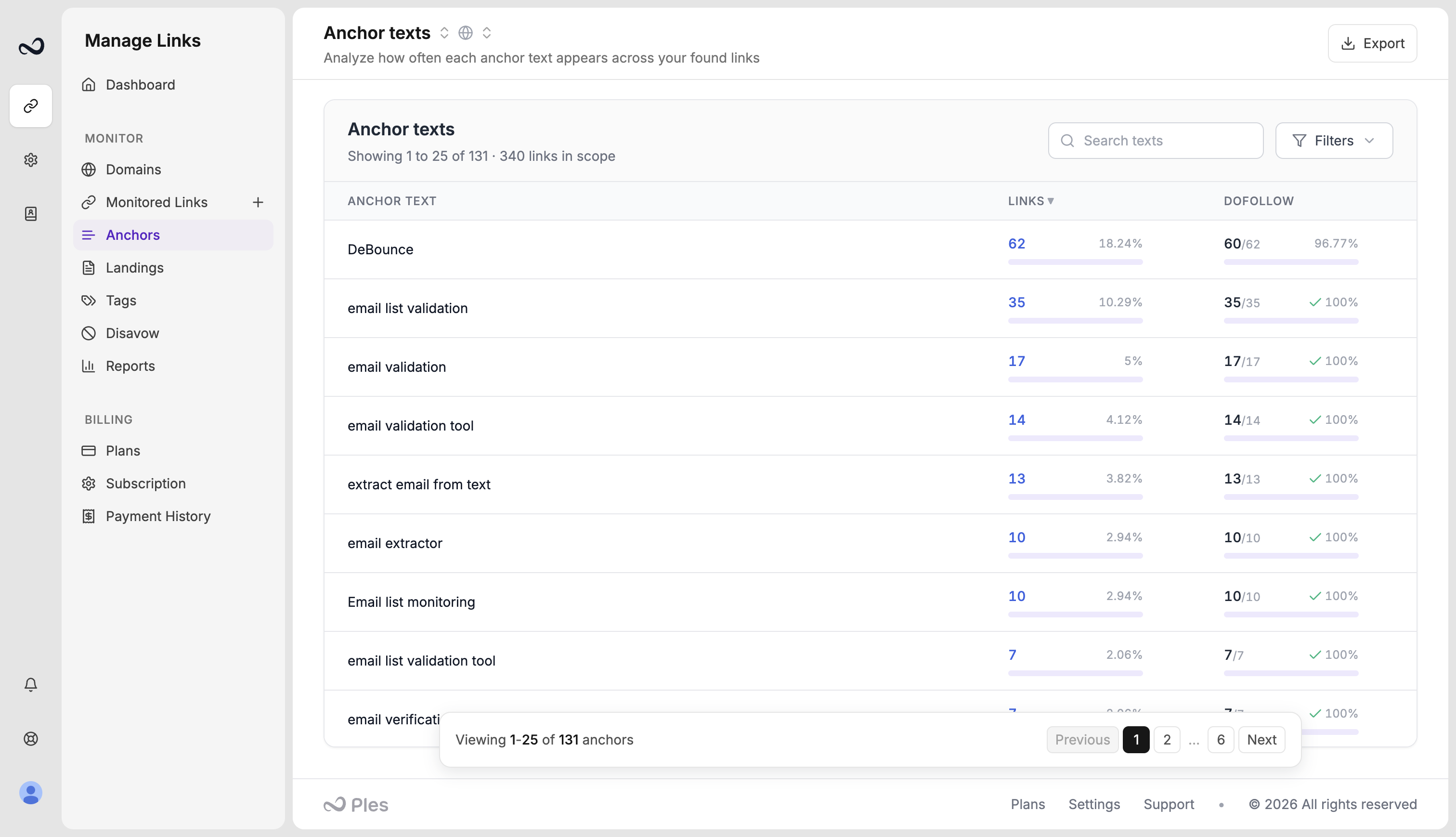
How to read Anchors
1
Open Anchors
Go to
/anchors.2
Optional: filter
Filter by domain, search an anchor, or sort by link count, dofollow count, or anchor text.
3
Drill into Links
Click an anchor (or its count) to open
/links?anchor= with that exact text, limited to found dofollow and nofollow rows. If you filtered by domain, that filter carries over.[image]. Empty text shows as [no text].
What’s next?
Monitored Links
Read URL, status, anchor, GI, DR, DA, LQS, last checked, and more.
Filter, sort, and search
Filter and sort Monitored Links, and search domains, URLs, anchors, and tags.
How to add backlinks
Add up to 150 backlink URLs per submission after you choose a domain.
Tags
Create colored tags and assign up to 5 per link.